
Lenovo 2026 Chromebook 14
5.0Editor score
MediaTek Kompanio 540
14 Inch WUXGA Touch
Affordable Student Design
Chromebooks have evolved significantly with artificial intelligence integration making them powerful tools for modern workflows. These devices now offer built-in AI features like Gemini assistance and advanced photo editing capabilities that enhance productivity without requiring heavy hardware.
We compared ten top models based on processor power AI feature availability display quality and battery life. Each device was evaluated for its ability to handle AI-driven tasks ranging from document summarization to image generation while maintaining portability and ease of use.
Each pick highlights specific strengths whether it is budget friendly performance or premium AI capabilities. Prices and availability can change frequently so please check current listings before purchasing to ensure you get the best value for your needs.
5.0Editor score

4.9Editor score

4.5Editor score
As an Amazon Associate we earn from qualifying purchases.
This side-by-side comparison outlines the key specifications and AI capabilities of each model to help you find the right device for your workflow and budget.


The Acer Chromebook Plus 514 stands out as the top choice for AI enthusiasts seeking a balance of performance and cloud capabilities. With a 4.9 rating it delivers a seamless experience powered by Google AI Pro and the latest Gemini features.
We may earn a commission when you buy through this link, at no additional cost to you.
Its Intel Core i3-1315U processor ensures smooth multitasking while the inclusion of 5TB of cloud storage via Google AI Pro provides ample room for creative projects. The 14-inch WUXGA touch display offers crisp visuals for content creation.
While the 256GB local storage is modest the cloud focus offsets this for most users. The Wi-Fi 7 support ensures future proof connectivity speeds that match the demands of modern AI applications.
This device is ideal for professionals and students who need reliable AI tools on the go. Its robust security and long battery life make it a dependable daily driver.
Built-in Gemini tools allow you to convert handwriting to text and simplify complex content directly within your workflow.
Access to 5TB of storage ensures you never run out of space for AI generated assets and documents.
We may earn a commission when you buy through this link, at no additional cost to you.
The ASUS Chromebook Plus CX34 offers a compelling entry into the AI-enabled Chromebook market. It comes with 12 months of Google One AI Premium plan including Gemini Advanced for enhanced productivity.
We may earn a commission when you buy through this link, at no additional cost to you.
Users benefit from exclusive AI-powered features like Magic Eraser and noise cancelation which improve video call quality. The Intel Core i3-1215U processor handles daily tasks efficiently.
Although its rating is lower than some competitors it remains a solid choice for those prioritizing budget and essential AI tools. The UFS storage ensures faster boot and load times.
This model suits students or casual users looking for smart features without a high price tag. It delivers on core productivity needs effectively.
Generative AI tools help redesign photos and create unique backgrounds effortlessly.
AI enhanced lighting and noise cancelation keep your communication clear and professional.
We may earn a commission when you buy through this link, at no additional cost to you.
With a 15.6-inch display the Acer Chromebook Plus 515 provides more screen real estate for multitasking and AI tasks. It includes 12 months of Google AI Pro featuring NotebookLM for research.
We may earn a commission when you buy through this link, at no additional cost to you.
The Intel Core i3-1305U processor supports smooth file editing and media consumption. The larger screen is beneficial for those who prefer working with multiple windows.
The trade-off is slightly increased weight compared to 14-inch models. However the productivity gain from the extra space is significant for many users.
Ideal for remote workers and researchers needing more visual space this Chromebook balances performance and portability well.
NotebookLM helps organize and summarize research materials efficiently using AI.
Full HD touch display offers responsive interaction for creative tasks.
We may earn a commission when you buy through this link, at no additional cost to you.
The Acer Chromebook Plus Spin 714 brings premium performance to the AI Chromebook category. Its Intel Core Ultra 5 processor includes a dedicated engine for AI experiences ensuring efficient processing.
We may earn a commission when you buy through this link, at no additional cost to you.
The 14-inch WUXGA display with 120Hz refresh rate delivers smooth visuals for creative work. Thunderbolt 4 ports allow for fast data transfer and external display connectivity.
While more expensive than standard models the build quality and advanced features justify the cost for power users. The convertible form factor adds versatility for presentations.
This is the perfect choice for professionals who need high performance and flexibility without sacrificing AI capabilities.
Spin design allows tablet mode for creative input and presentations.
DTS audio and high refresh rate enhance media consumption.
We may earn a commission when you buy through this link, at no additional cost to you.
This variant of the Acer Chromebook Plus 514 focuses on storage with a 512GB SSD. It includes AI-powered Google and Adobe tools to speed up creative workflows.
We may earn a commission when you buy through this link, at no additional cost to you.
The Quick Insert key simplifies creating high-resolution images directly from the keyboard. Its MIL-STD 810H durability makes it reliable for rugged environments.
The Intel Core i3-N355 processor is efficient but less powerful than newer chips. Still the storage capacity is a significant advantage for local file management.
Suitable for users who need more onboard storage for AI files and work in varied conditions.
Military grade standards ensure reliable performance in harsh conditions.
Quick Insert key streamlines image creation and writing assistance.
We may earn a commission when you buy through this link, at no additional cost to you.
The Lenovo 2026 Chromebook 14 is a standout budget option with a perfect 5.0 rating. It features an 8-core MediaTek Kompanio 540 processor for smooth ChromeOS performance.
We may earn a commission when you buy through this link, at no additional cost to you.
Designed for students it is incredibly lightweight and portable. The 14-inch WUXGA touchscreen offers excellent visibility for digital textbooks and research.
While storage is limited the cloud-first design of ChromeOS mitigates this for many tasks. The privacy shutter ensures security during online classes.
This model is ideal for students who need a reliable affordable device for academic work and basic AI tasks.
Lightweight build fits easily into backpacks for daily commute.
Physical camera shutter protects privacy during virtual sessions.
We may earn a commission when you buy through this link, at no additional cost to you.
This Acer Chromebook Plus 514 model offers consistent performance for daily business tasks. The 512GB SSD provides ample space for files and applications.
We may earn a commission when you buy through this link, at no additional cost to you.
Its MIL-STD 810H certification ensures durability during travel. Wi-Fi 6E keeps you connected even in crowded networks.
While not the fastest it handles multitasking and AI integrations well. The backlit keyboard aids productivity in low-light environments.
A reliable choice for business professionals needing a secure and durable device.
Wi-Fi 6E ensures fast speeds in dense network environments.
ChromeOS built-in protection keeps data safe from threats.
We may earn a commission when you buy through this link, at no additional cost to you.
The Acer Chromebook Plus 514 with Intel Core 3 processor balances efficiency and cost. It supports Google AI features for enhanced productivity.
We may earn a commission when you buy through this link, at no additional cost to you.
With 8GB of RAM it handles multiple tabs smoothly. The WUXGA touch display offers vibrant visuals for media consumption.
Its simplicity makes it easy to use for general tasks. Storage is generous compared to standard Chromebooks.
Perfect for everyday users seeking a straightforward AI-capable device.
Intel Core 3 processor optimizes power usage for longer battery.
Touchscreen responsiveness enhances navigation and content creation.
We may earn a commission when you buy through this link, at no additional cost to you.
Featuring an AMD Ryzen 3 7320C processor this model provides efficient AI performance. The AI-powered video call tools enhance meeting quality automatically.
We may earn a commission when you buy through this link, at no additional cost to you.
Its 14-inch WUXGA display is vibrant and responsive. The steel gray finish adds a professional touch.
Storage is limited but the cloud focus of ChromeOS compensates. Battery life reaches up to 12 hours.
Ideal for users prioritizing call quality and battery longevity in an AI device.
AI video call tools enhance lighting and cancel noise effectively.
Up to 12 hours of battery life ensures all day use.
We may earn a commission when you buy through this link, at no additional cost to you.
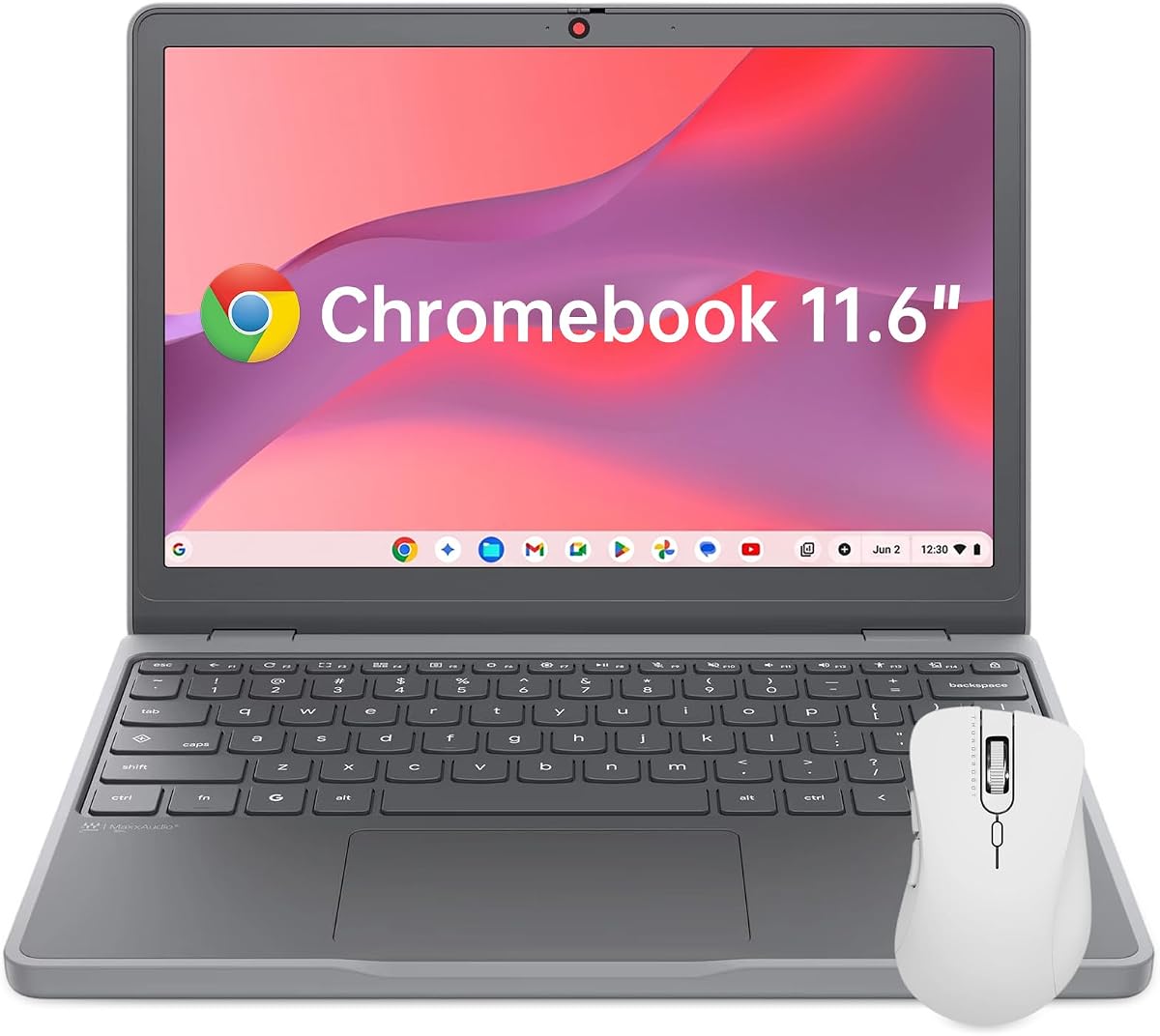
The Lenovo Chromebook 11.6 is the most portable option available. Weighing just 2.69 lbs it fits easily into any bag.
We may earn a commission when you buy through this link, at no additional cost to you.
Its Intel N150 processor handles basic ChromeOS tasks well. The 11.6-inch display is compact but functional for travel.
Durable TPU corners and MIL-SPEC ratings protect it during transit. Ideal for frequent travelers who need basic AI tools.
This device prioritizes mobility above all else making it great for on-the-go tasks.
Ultra-lightweight design ensures comfort during long travel.
Protective corners handle drops and daily wear reliably.
We may earn a commission when you buy through this link, at no additional cost to you.
Selecting the right Chromebook for AI involves understanding processor power memory and cloud features.
AI features often require more processing power. Look for Intel Core i3 or newer processors or equivalent AMD Ryzen options to ensure smooth performance.
Prioritize models with Core Ultra or newer chips for dedicated AI acceleration.
Sufficient RAM is essential for multitasking while running AI tools. 8GB is the recommended minimum for most users.
Opt for 8GB or more to avoid slowdowns during complex tasks.
Local storage is limited on Chromebooks so check SSD capacity for files you need offline. Cloud storage often supplements this.
Ensure at least 256GB SSD if you store media locally.
Check for Google AI Pro trials which offer tools like Gemini and NotebookLM. These features significantly enhance productivity.
Choose devices that include free access to these premium AI services.
A good screen with high resolution helps in content creation and reading. WUXGA displays offer more workspace than standard HD.
Look for touchscreens if you prefer interactive AI inputs.
Fast Wi-Fi is crucial for cloud-based AI tools. Wi-Fi 6E or Wi-Fi 7 ensures stable connections.
USB-C ports with display support add versatility for external monitors.
Long battery life allows you to work away from outlets. Aim for at least 10 hours of usage.
Prioritize models known for energy efficiency and fast charging.
MIL-STD ratings indicate robust build quality suitable for travel. This ensures longevity in various environments.
Select rugged models if you commute frequently or work outdoors.
To maximize AI features log into your Google account and enable AI Pro trials when offered. This unlocks tools like Gemini for drafting and summarizing content directly in apps.
Keep your system updated to ensure you have the latest security patches and AI capabilities. ChromeOS updates automatically but check your settings regularly.
Protect your device from dust and heat by using a sleeve when traveling. Clean the screen with a microfiber cloth to maintain clarity for touch input.
Many AI features are included for free during trial periods such as Google AI Pro for 12 months. Some advanced tools might require a paid subscription after the trial ends.
Chromebooks are optimized for cloud-based AI tasks. Local models are limited due to hardware constraints so relying on cloud services is recommended.
Gemini helps with writing assistance text conversion and summarizing content directly in Gmail and Docs. It streamlines workflows without needing separate software.
Yes 8GB is generally sufficient for most AI and productivity tasks. It allows smooth multitasking with multiple browser tabs and applications open.
Yes most modern Chromebooks support Android apps which adds flexibility for running additional tools alongside AI features.
Navigate to the Google One settings in ChromeOS and redeem the offer included with your purchase. Activation usually requires a verified Google account.
Most advanced AI tools require an internet connection. Basic tasks like offline docs may work without connectivity but AI features generally need online access.
The Acer Chromebook Plus 514 offers up to 17 hours. Battery life varies by usage but models with efficient processors generally last longer.
The Acer Chromebook Plus 514 leads the pack with its balanced performance and extensive AI features. It sets the standard for productivity and cloud integration.
For budget conscious buyers the Lenovo 2026 Chromebook 14 provides excellent value with essential AI tools. Students and casual users will find it highly practical.
Always verify current prices and stock before purchasing to ensure you get the best deal. AI technology evolves quickly so checking for new updates is always wise.