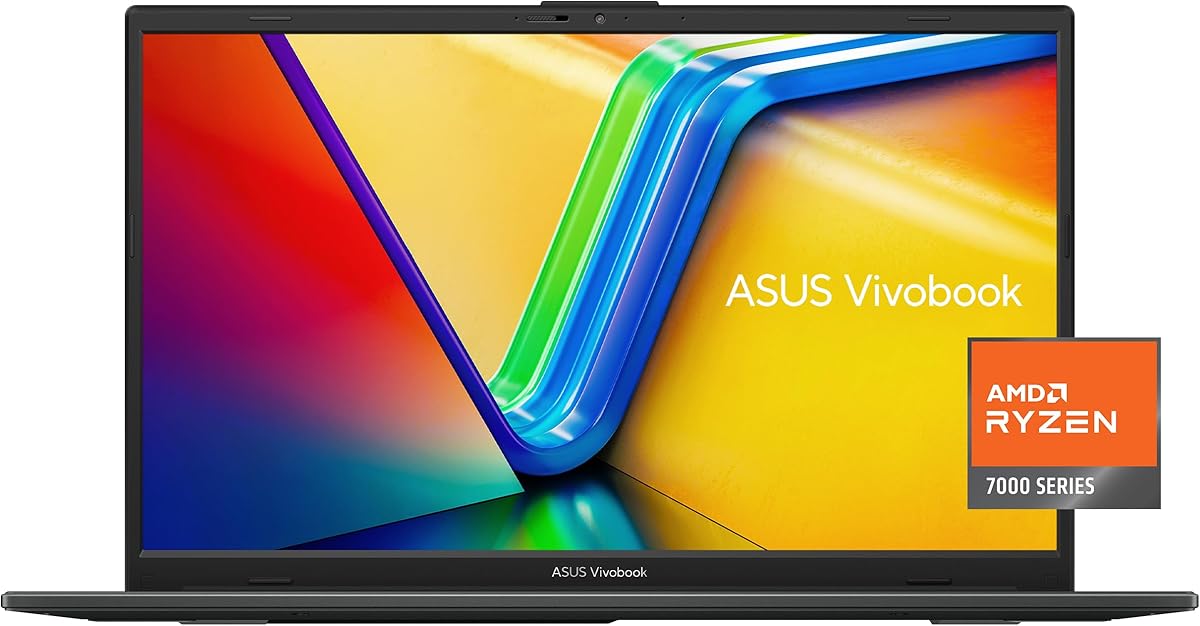
ASUS Vivobook Go 15
4.3Editor score
AMD Ryzen 3 7320U Processor
8GB DDR5 RAM Memory
15.6 Inch FHD Display
Finding a lightweight ASUS laptop can transform how you work and study on the go. These machines combine portability with robust performance, making them ideal for students and professionals alike. We analyze key features to ensure you choose a model that fits your lifestyle without sacrificing power.
Our selection process involves deep dives into processor speed, battery longevity, and build quality. We compare various ASUS series ranging from entry-level Vivobooks to premium Zenbooks. Each device is evaluated on its ability to handle daily tasks efficiently while remaining easy to carry in a backpack.
Each pick highlights specific strengths such as display quality or AI capabilities. Prices and availability can fluctuate rapidly based on market demand and promotions. Always verify the latest details before purchasing to ensure you get the best deal for your specific requirements and budget constraints.
4.3Editor score

4.8Editor score
3.7Editor score
As an Amazon Associate we earn from qualifying purchases.
This comparison table summarizes the essential specifications of all ten selected models. It allows you to quickly contrast processor types, memory sizes, and display resolutions to find the right fit for your daily computing tasks and mobility requirements.




This ASUS Vivobook Go 15 ranks as our top budget pick for those seeking a portable machine without breaking the bank. With a 4.3 rating it offers reliable performance for students and casual users who need basic computing power. The 15.6-inch display provides sufficient screen real estate for multitasking while keeping the chassis lightweight.
We may earn a commission when you buy through this link, at no additional cost to you.
The AMD Ryzen 3 7320U processor ensures smooth operation for web browsing and document editing. DDR5 RAM allows for better multitasking capabilities compared to older models. The inclusion of a privacy shutter on the webcam adds a layer of security essential for remote work environments.
While the 128GB SSD might feel limited, it covers essential storage needs for most users. The military-grade durability ensures the laptop can withstand minor drops and bumps during travel. Fast charging capability helps reduce downtime significantly when you are away from a power outlet.
This device is perfect for entry-level users or anyone needing a secondary machine for travel. Its balance of weight and performance makes it a strong contender in the budget category. We recommend it for students and professionals who prioritize portability over heavy graphics performance.
The chassis meets military standards for durability ensuring longevity even with rough handling during commutes.
The Ryzen 3 processor delivers sufficient speed for everyday tasks while maintaining excellent battery life.
We may earn a commission when you buy through this link, at no additional cost to you.
This model upgrades the processor to a Ryzen 5 and doubles the storage capacity significantly improving usability. It maintains the same portable form factor as the budget version but handles more demanding tasks better. The 512GB SSD allows for ample space for files applications and media without needing external drives.
We may earn a commission when you buy through this link, at no additional cost to you.
The Ryzen 5 processor provides extra headroom for light gaming or more intensive multitasking sessions. Users who work with larger datasets or multiple browser tabs will appreciate this performance bump. The design remains sleek and professional suitable for both home office and corporate settings.
Despite the upgrade the system still relies on 8GB of RAM which might limit heavy virtualization tasks. However for general productivity work this configuration strikes a good balance between cost and capability. The durable construction ensures it remains reliable over time even with daily use.
This laptop is ideal for users who need more storage without sacrificing portability. It bridges the gap between entry-level devices and higher-end options effectively. We recommend it for freelancers or students who need to store large projects locally on their machine.
The 512GB SSD provides plenty of room for media files and applications without cluttering your system.
A Ryzen 5 chip offers smoother performance for multitasking and light creative tasks compared to the Ryzen 3.
We may earn a commission when you buy through this link, at no additional cost to you.
This Vivobook 14 stands out as our Editor's Choice due to its cutting-edge Snapdragon X processor and 16GB of RAM. It is designed as a Copilot+ PC offering unique AI capabilities that enhance productivity and content creation. The high rating reflects its robust performance and modern feature set that appeals to forward-thinking users.
We may earn a commission when you buy through this link, at no additional cost to you.
The integration of Qualcomm Adreno GPU provides smooth visuals and efficient power usage. Users will enjoy extended battery life making it perfect for long days away from a charger. The 14-inch form factor ensures it fits easily into small bags while the still delivering a vibrant display experience.
The ARM-based architecture means some legacy software may require emulation though most common apps are optimized. This is a trade-off for the significant gains in battery efficiency and AI processing power available today. The 16GB RAM ensures that multitasking remains smooth even with multiple heavy applications open.
This laptop is best suited for users who want a future-proof device with strong AI tools. It is an excellent choice for writers and professionals who need reliability on the go. We recommend it for anyone looking to experience the next generation of laptop technology.
Copilot+ features allow for intelligent tasks like live captions and advanced image processing automatically.
The efficient chip architecture ensures you can work for many hours without needing to plug in.
We may earn a commission when you buy through this link, at no additional cost to you.
The ASUS Vivobook 16 offers a larger 16-inch WUXGA display making it ideal for users who need more workspace. It retains the efficient Snapdragon X processor allowing for a big screen without excessive weight or heat. The 4.4 rating indicates strong satisfaction among users who prefer a bigger canvas for their work.
We may earn a commission when you buy through this link, at no additional cost to you.
This model supports seamless multitasking with 16GB of RAM ensuring that split-screen work feels fluid. The display quality is high with vibrant colors and sharp text suitable for creative tasks or detailed spreadsheets. The AI capabilities remain intact providing a modern computing experience in a larger chassis.
While the larger screen adds some bulk it remains relatively portable compared to desktop replacements. The battery efficiency of the Snapdragon chip helps offset the energy draw of the larger display. Users who value screen real estate over extreme portability will find this model particularly compelling.
This laptop is perfect for users who need a primary device with ample screen space. It is a strong candidate for home office setups or travel where a larger view is preferred. We recommend it for analysts or designers who benefit from seeing more content at once.
The 16-inch screen provides extra vertical space that helps significantly with productivity and document editing.
Snapdragon X technology ensures the larger display does not compromise battery life or thermal performance.
We may earn a commission when you buy through this link, at no additional cost to you.
This device is the most affordable option on our list designed for basic tasks like web browsing and document writing. While the rating is lower due to hardware limitations it serves its purpose for entry-level needs. The Intel Celeron processor handles light workloads efficiently without draining battery quickly.
We may earn a commission when you buy through this link, at no additional cost to you.
The 128GB eMMC storage is adequate for system files and a few apps but limits media storage. Users should consider cloud storage options if they have large local file requirements. The 15.6-inch FHD display ensures that text and images remain clear during use.
Fast charging support helps reduce downtime which is helpful for students moving between classes. The ergonomic keyboard and backlit keys improve typing comfort during long study sessions. It is a solid choice for those who need a simple reliable machine at the lowest possible cost.
This laptop is best for students or households needing a secondary device for basic tasks. It is not suited for heavy multitasking but handles everyday computing well. We recommend it for users who prioritize budget and portability over raw processing power.
The low cost makes computing accessible for families or students with strict budget constraints.
Despite lower specs the efficient processor ensures decent battery life for daily tasks.
We may earn a commission when you buy through this link, at no additional cost to you.
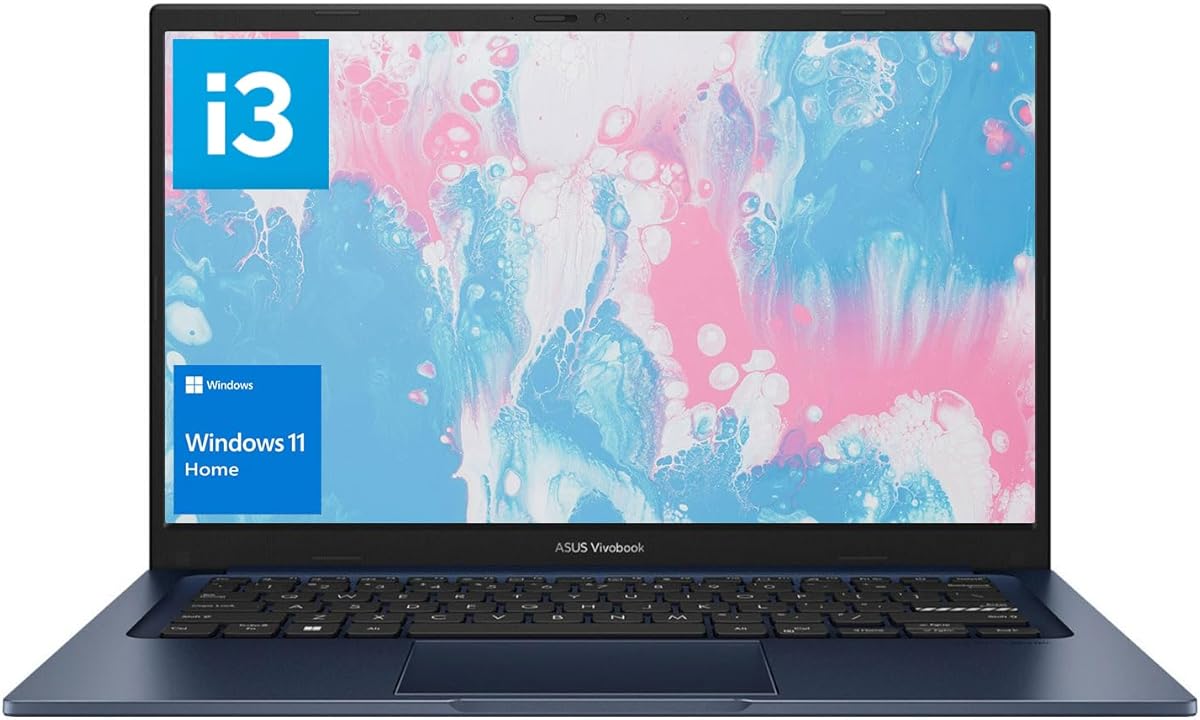
This Vivobook balances performance and portability with a strong Intel i3 processor and ample 16GB of RAM. It is designed for users who prefer Intel architecture while still needing modern specs. The 4.2 rating highlights its reliability for daily tasks and general productivity work.
We may earn a commission when you buy through this link, at no additional cost to you.
The 512GB SSD provides fast boot times and quick access to files making the system feel responsive. Wi-Fi 6 ensures stable connectivity for video calls and downloads. The 14-inch FHD display offers good viewing angles and sharpness for a mid-range device.
While battery life may be shorter than Snapdragon models the performance is consistent across Windows apps. The keyboard and touchpad are designed for comfort during long typing sessions. Users appreciate the straightforward configuration that works well out of the box.
This laptop is ideal for business users or students who need a reliable Intel-based machine. It offers a solid middle ground between budget and premium options. We recommend it for those who value RAM and storage capacity in a standard portable format.
With 16GB of RAM users can keep many tabs and applications open without slowdown.
Wi-Fi 6 ensures stable and fast internet connections for all your online needs.
We may earn a commission when you buy through this link, at no additional cost to you.
This model offers a WUXGA display which provides higher resolution than standard FHD screens for sharper visuals. It features the Snapdragon X processor delivering AI capabilities and strong efficiency. The cool silver finish gives it a professional look suitable for corporate environments.
We may earn a commission when you buy through this link, at no additional cost to you.
The 300-nit brightness ensures the screen is visible even in well-lit rooms. With 16GB of RAM the system handles multitasking well without lag. The AI tools integrated into Windows 11 help with productivity tasks like captioning and search.
Battery life remains a strong point due to the efficiency of the Snapdragon architecture. Users will appreciate the ability to work for extended periods without carrying a charger. The WUXGA aspect ratio provides more vertical space for documents and web pages.
This laptop is best for professionals who value display quality and AI features. It is a premium choice for those seeking a lightweight high-performance machine. We recommend it for users who need a versatile device for work and creative tasks.
WUXGA resolution offers more pixels for better clarity and text readability during work.
Copilot+ features streamline daily tasks and offer new ways to interact with content.
We may earn a commission when you buy through this link, at no additional cost to you.
This 2026 Edition brings a 13th Gen Intel processor with 6 cores to ensure fast performance. It is designed to beat older generations with higher clock speeds up to 4.5GHz. The 4.2 rating reflects strong satisfaction with its speed and general reliability for daily use.
We may earn a commission when you buy through this link, at no additional cost to you.
The 16GB of RAM ensures smooth multitasking for complex workflows. PCIe SSD technology provides faster data access speeds for the operating system and applications. The lightweight chassis makes it easy to carry during commutes or travel.
Storage is somewhat limited at 256GB but the speed compensates for the size. Users can easily expand storage via external drives or cloud solutions. The design prioritizes modern connectivity options including HDMI and USB-C for peripherals.
This laptop is ideal for users who need a fast and portable Intel machine. It is suitable for business tasks and general media consumption. We recommend it for those who value processing speed and modern connectivity in a slim device.
The 13th Gen chip offers significantly better performance for multitasking and light workloads.
USB-C and HDMI ports ensure you can connect to monitors and peripherals easily.
We may earn a commission when you buy through this link, at no additional cost to you.
This variant of the Go 15 provides a balanced 256GB SSD which is more practical than the 128GB version. It maintains the reliable Ryzen 3 processor and DDR5 RAM for consistent performance. The 4.1 rating indicates users find it a dependable choice for basic computing tasks.
We may earn a commission when you buy through this link, at no additional cost to you.
The enhanced durability ensures the device can withstand the rigors of travel and daily use. Fast charging keeps the machine ready quickly when power is scarce. The privacy shutter adds a necessary security feature for modern remote work setups.
With 8GB of RAM it handles daily multitasking well but may struggle with heavy professional apps. The display offers good color gamut for a device at this price point. It is a solid pick for those who need slightly more storage without a major price jump.
This laptop is best for students or casual users who need reliable storage capacity. It offers a great balance of features for the cost. We recommend it for those who want a durable machine with enough space for documents and apps.
Military grade testing ensures the chassis can survive bumps and drops during daily use.
The 256GB SSD offers enough room for essential files without needing cloud reliance.
We may earn a commission when you buy through this link, at no additional cost to you.
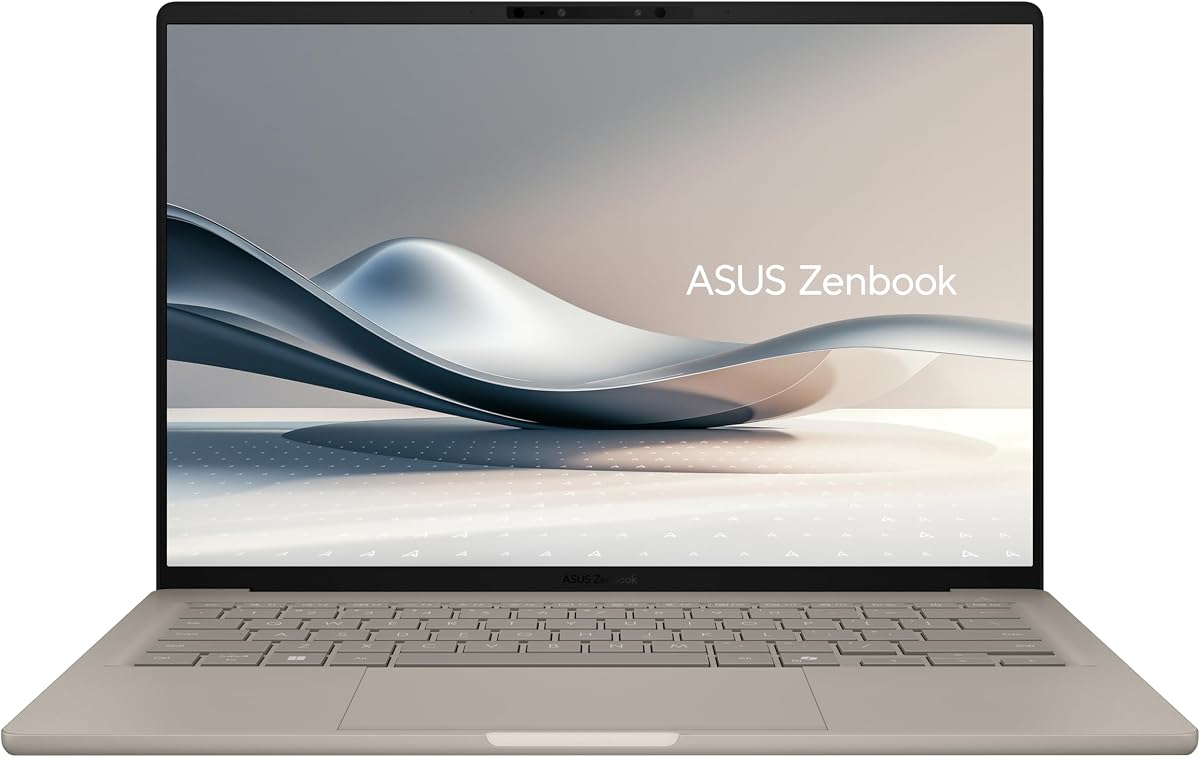
The Zenbook A14 is our premium pick featuring a stunning OLED display and ultra-light Ceraluminum chassis. It is one of the lightest Copilot+ PCs available making it ideal for frequent travelers. The 3.7 rating reflects the cost and technical maturity of early OLED ARM devices.
We may earn a commission when you buy through this link, at no additional cost to you.
The Ceraluminum body is 30 percent lighter and three times stronger than standard aluminum. This provides a unique texture and high durability without adding bulk. The OLED screen offers deep blacks and vibrant colors suitable for media consumption and creative work.
Battery life is exceptional with claims up to 32 hours for offline video playback. The Snapdragon X processor supports advanced AI features and maintains power efficiency. Wi-Fi 6E ensures fast connectivity speeds in crowded environments.
This laptop is best for professionals who need a premium lightweight machine with top-tier visuals. It is a strong choice for travel and creative tasks. We recommend it for users who value build quality and display excellence over cost.
The ceramic aluminum body offers a premium feel with increased strength and resistance.
The OLED screen provides infinite contrast and perfect black levels for vivid images.
We may earn a commission when you buy through this link, at no additional cost to you.
Selecting the right portable laptop requires balancing several factors to match your specific needs. This guide breaks down the most important specs and features to consider before you make a purchase.
The processor determines how fast the laptop handles tasks. For general use, a Ryzen 3 or Intel i3 is sufficient. If you need more power, look for Ryzen 5 or Snapdragon X chips which also offer better battery life.
Choose a processor that matches your workload intensity to ensure smooth operations.
Memory affects multitasking ability. 8GB is adequate for web browsing and documents. However, 16GB provides future-proofing and allows for more applications running at once without slowdowns.
Prioritize 16GB RAM if you plan to keep the laptop for several years.
SSD storage is crucial for speed. Aim for at least 256GB to store your files and applications comfortably. Larger capacities like 512GB are better for media files and professional projects.
Always verify if the storage is upgradeable to extend the laptop's lifespan.
A high-quality screen reduces eye strain during long work sessions. Look for FHD or WUXGA resolution. OLED panels offer better contrast but standard IPS screens are reliable and budget-friendly.
Select a resolution that provides sharp text for your daily tasks.
Lightweight models under 3.5 lbs are easier to carry. The Zenbook A14 offers ultra-light design while Vivobooks balance size and portability. Check the dimensions to ensure it fits your backpack or bag.
Consider weight carefully if you travel frequently or commute daily.
Long battery life ensures productivity without frequent charging. Snapdragon chips often provide superior endurance compared to Intel. Check the manufacturer's estimates and real-world reviews for accuracy.
Look for fast charging capabilities to reduce downtime during work days.
Military-grade durability standards ensure the device withstands daily wear. Look for features like spill-resistant keyboards and reinforced hinges. A solid build protects your investment over the long term.
Choose a model with a sturdy chassis if you plan to travel often.
Modern laptops often lack traditional ports. Ensure the device has the USB-C and HDMI ports you need. Wi-Fi 6 or 6E support ensures fast and stable internet connectivity.
Verify that the available ports match your peripherals before purchasing.
To maximize battery life, adjust your screen brightness and disable background apps when not in use. Keeping the operating system updated ensures you have the latest security patches and performance optimizations.
When carrying the laptop, always use a padded sleeve to protect the screen and body. Avoid placing heavy items on top of it inside your bag to prevent physical damage.
Regularly clean the keyboard and screen with a microfiber cloth to remove dust and oils. Proper maintenance extends the lifespan of your device and keeps it looking like new.
Most of these models are designed for productivity and basic tasks rather than heavy gaming. They can handle light games but are not equipped with dedicated graphics cards for high-performance titles.
Snapdragon chips use ARM architecture which runs most common apps well. Some legacy software may require emulation, but the compatibility has improved significantly with Windows 11.
Zenbooks are generally lighter and more premium than Vivobooks. The Zenbook A14 is one of the lightest options available, whereas Vivobooks balance weight with cost.
Many lightweight ASUS models have soldered RAM that cannot be upgraded. Always check the specific product details before purchasing if you plan to increase memory later.
Most models come with fixed SSDs that cannot be easily upgraded. External drives are a good alternative if you need additional storage space for your files.
Most ASUS laptops come with a standard one-year manufacturer warranty covering parts and labor. Extended warranty plans are often available for purchase at the point of sale.
We have reviewed ten top options ranging from budget-friendly Vivobooks to the premium Zenbook A14. Each model offers a unique balance of portability, performance, and features suited for different user needs.
If you prioritize battery life and AI tools, the Snapdragon X models are excellent choices. For those on a tight budget, the Vivobook Go series provides reliable basics at a low price.
Prices and availability change often so verify current details before you buy. We hope this guide helps you find the perfect lightweight ASUS laptop for your daily routine.