
GDSTIME 40mm 24V
4.7Editor score
Affordable 2-pack
Hydraulic bearing
24V compatibility
This guide compares the top 40mm cooling fans for servers, 3D printers, and electronics based on performance, noise levels, and build quality.
Finding the right cooling solution for compact electronics requires careful attention to size and airflow. Forty millimeter fans are essential for tight spaces where standard fans cannot fit. They ensure hardware stays within safe temperature limits during extended operation cycles.
We evaluated ten leading models based on airflow, noise output, and bearing longevity. Each product was reviewed for compatibility with common devices like routers, printers, and network equipment. This list helps you match specific needs with the right fan specifications.
Every selection includes detailed specs and real-world performance notes to guide your decision. Prices and availability may change, so verify current listings before purchasing. These picks represent the best options available for reliable thermal management in small form factors.
4.7Editor score
4.8Editor score

4.6Editor score
The following table provides a side-by-side comparison of all ten selected fans. It highlights key specifications such as voltage, speed, and noise levels to help you quickly identify the best fit for your specific application.


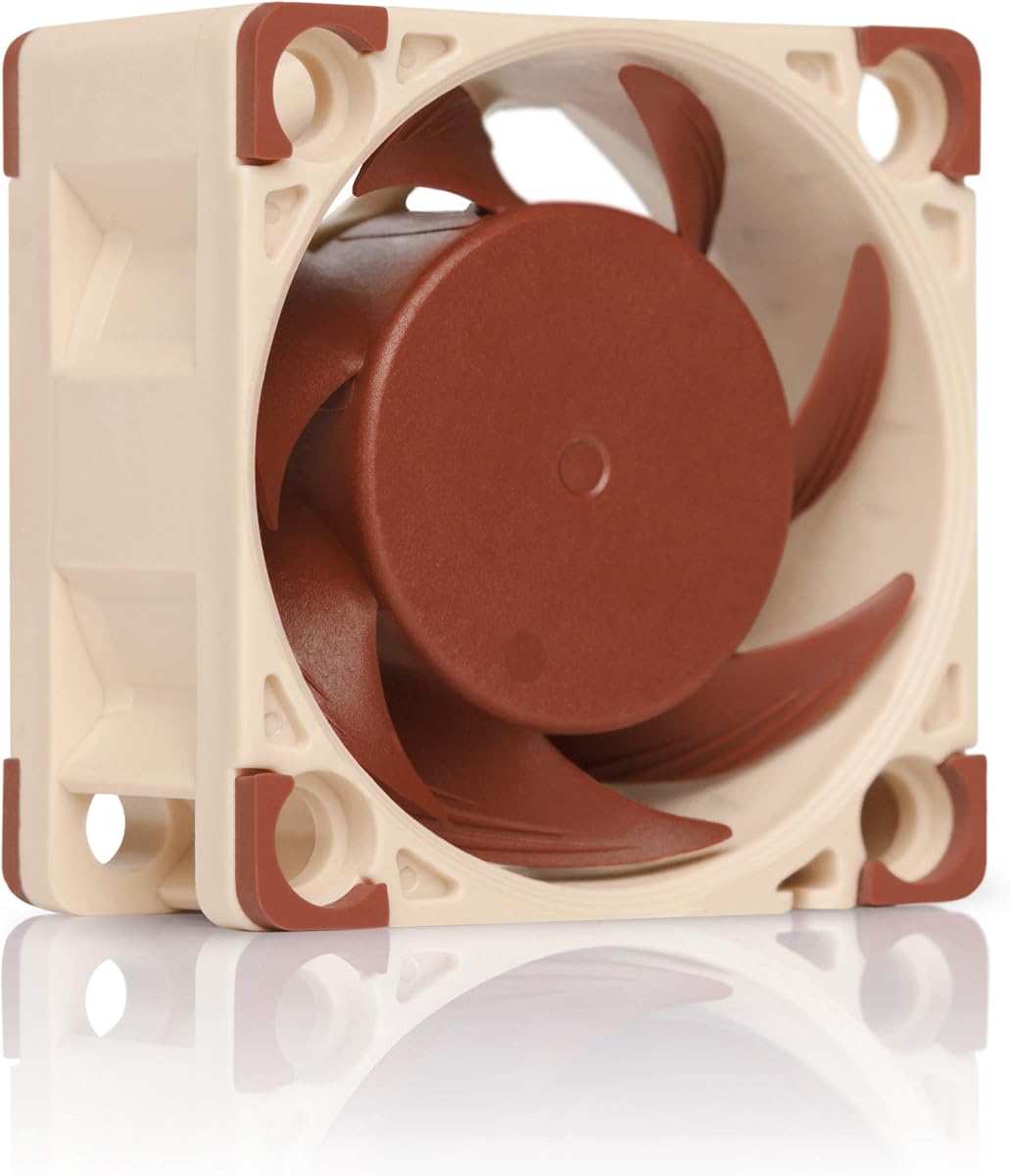
The Noctua NF-A4x20 PWM stands out as the top choice for silent cooling in compact devices. With a 4.8 rating, it delivers exceptional performance while maintaining minimal noise levels. Its premium design ensures it fits well in servers and storage equipment.
We may earn a commission when you buy through this link, at no additional cost to you.
This fan uses Flow Acceleration Channels and acoustic optimization to reduce noise. The 4-pin PWM header allows automatic speed control based on system needs. Its bearing technology promises over 150,000 hours of life, making it a durable investment.
The thickness is slightly higher than standard slim fans, which may require more clearance. However, the quietness and reliability outweigh this minor trade-off for most applications. It includes adapters to fit proprietary headers easily.
Choose this fan if you need the quietest option for sensitive environments. It is ideal for NAS units, routers, and quiet PCs. The included accessories simplify installation significantly.
The Advanced Acoustic Optimisation frame significantly reduces air turbulence noise for quiet operation.
With an MTTF exceeding 150,000 hours, this fan is built for continuous operation.
We may earn a commission when you buy through this link, at no additional cost to you.
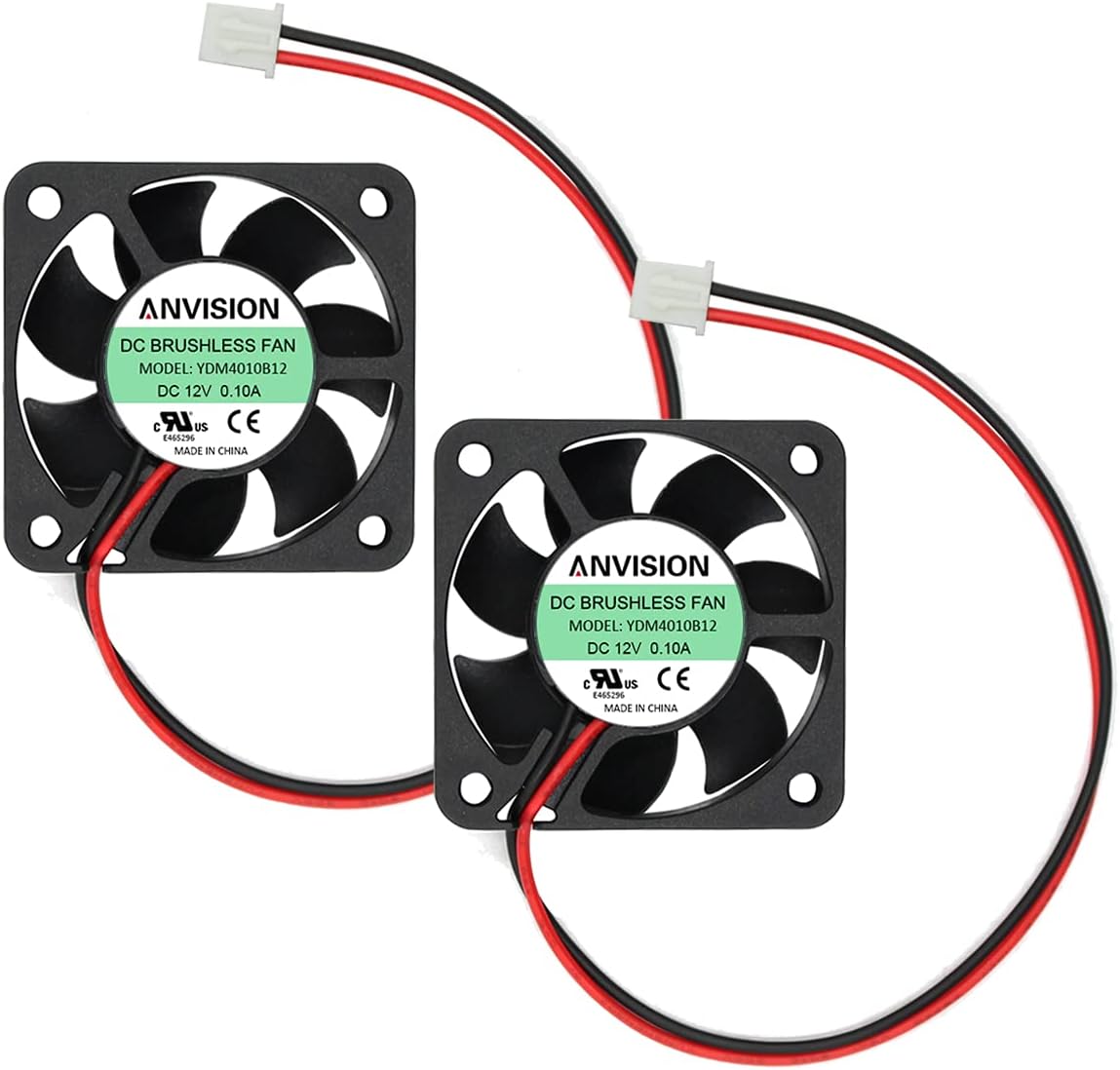
The ANVISION 2-pack offers a practical solution for replacing multiple fans at once. These fans are only 10mm thick, fitting perfectly into tight enclosures. They run at 6200 RPM for effective heat removal in electronics.
We may earn a commission when you buy through this link, at no additional cost to you.
Dual ball bearings provide better longevity than sleeve bearings, especially in high heat. The noise level is moderate at 27.5 dBA, which is acceptable for enclosed cases. The 2-pin connector is standard for many industrial devices.
While not as silent as premium brands, they offer great value for money. The 2-year warranty adds confidence to the purchase. They work well for routers and switches where noise is less critical.
Buy this pack if you need spare units for multiple projects. The slim profile is perfect for deep mounts. It balances cost and performance effectively.
At just 10mm thick, these fans fit into spaces where standard 20mm units cannot.
The bearing type ensures longer life and resistance to heat compared to sleeve options.
We may earn a commission when you buy through this link, at no additional cost to you.
This slim 40x10mm fan from Noctua brings premium quality to small devices. It comes with adaptors to set speeds of 4500 or 3700 RPM. The noise level stays incredibly low at 17.9 dB even at higher speeds.
We may earn a commission when you buy through this link, at no additional cost to you.
The 3-pin Molex connection is robust and common in many electronics. It replaces noisy original fans in DVRs and NAS systems. The build quality ensures it withstands years of continuous use.
The lack of PWM control might be a limitation for some advanced users. However, the manual adaptors provide enough flexibility for most static cooling needs. The thin profile is a major advantage here.
Use this when you need extreme quiet in a tight slot. It is perfect for media centers and routers. The reliability is unmatched in this size class.
Supplied Low-Noise Adaptors let you choose between max airflow or near-silent speeds.
Noctua's A-series design ensures structural integrity and long-term reliability.
We may earn a commission when you buy through this link, at no additional cost to you.
This set is designed specifically for high-performance RC car motors. It reaches 16000 RPM to prevent overheating during intense runs. The metal build is sturdy enough to handle rough environments.
We may earn a commission when you buy through this link, at no additional cost to you.
The carbon fan cover protects the fan blades from debris and impacts. Installation is straightforward with standard mounting holes. It fits popular RC motor sizes like 4068 and 4082.
The noise level is very high, but this is not intended for indoor use. The reverse polarity plug prevents accidental damage during connection. It is essential for maintaining motor longevity in sport cars.
Select this for RC trucks or buggies that overheat. It offers specific protection for hobby motors. The included cover adds durability to the setup.
Running up to 16000 RPM, this fan dissipates heat rapidly from small motors.
The plug design ensures you cannot connect it wrongly and damage the electronics.
We may earn a commission when you buy through this link, at no additional cost to you.
For 3D printer users, these fans provide the perfect voltage match for many boards. They are rated at 24V, unlike most standard 12V units. The price per unit is excellent for a 2-pack.
We may earn a commission when you buy through this link, at no additional cost to you.
Hydraulic bearings ensure quieter operation compared to sleeve types. They run at 6000 RPM, delivering enough airflow for part cooling. The included extension cable helps with routing in tight spaces.
The frame is plastic, which is common at this price point. It should be avoided for high-voltage applications. They are perfect for hotend cooling on popular Ender models.
Choose these if you are building or upgrading a printer. They are cost-effective and reliable for daily use. The compatibility is a huge plus for makers.
These fit perfectly into Ender 3 and similar printers that require 24V fans.
Hydraulic bearings offer up to 40,000 hours of service life for daily runs.
We may earn a commission when you buy through this link, at no additional cost to you.
This pack offers five fans for a very low price point. It is ideal for projects needing multiple cooling points simultaneously. The hydraulic bearing helps keep noise lower than typical cheap fans.
We may earn a commission when you buy through this link, at no additional cost to you.
Each unit comes with a 30cm cable for easy placement. The slim design works well in narrow gaps. They are suitable for PCs, routers, and small DIY electronics.
The airflow is decent but not high pressure. For most low-power electronics, this is sufficient. The connector fits common XH2.54 headers found on boards.
Buy this for general repairs or multiple small projects. It is a reliable spare pack. The quantity makes it a great deal.
Getting five fans allows for large projects without multiple orders.
Longer 30cm wires make installation easier in complex cases.
We may earn a commission when you buy through this link, at no additional cost to you.
This 24V version matches the needs of many modern 3D printers. It runs silently with PWM control for speed adjustment. The slim 10mm design fits into tight extruder slots.
We may earn a commission when you buy through this link, at no additional cost to you.
It includes a JST adapter for popular boards like Creality. This makes wiring simple without soldering. The SSO2 bearing provides over 150,000 hours of reliability.
The price is higher than generic options, but the performance justifies it. It protects your printer from heat buildup during long prints. Reverse polarity protection adds safety.
Get this for 24V printer upgrades needing precision cooling. It is worth the investment for quiet operation. The adapters solve common compatibility issues.
Included adapters connect to standard headers on popular 3D printers seamlessly.
This premium bearing technology ensures smooth operation and high longevity.
We may earn a commission when you buy through this link, at no additional cost to you.
The FLX version offers fixed speed control via physical adaptors. This allows you to tune the fan for noise or performance. The low noise at 14.9 dB is impressive for this class.
We may earn a commission when you buy through this link, at no additional cost to you.
It uses 3-pin Molex headers which are common in servers. The frame is optimized to reduce airflow turbulence. This reduces the whine often heard in rack gear.
The thickness is standard at 20mm, fitting most mounts. While it lacks PWM, the adaptors give you the control you need. The MTTF rating is top-tier.
Use this for silent servers or routers. It is perfect for home labs where noise matters. The adaptors allow easy optimization.
Low-Noise Adaptors let you pick from three specific speeds manually.
Acoustic optimization cuts down on air noise significantly.
We may earn a commission when you buy through this link, at no additional cost to you.
This fan features a deep 28mm impeller for pushing air through resistance. The max RPM hits 15000 for extreme cooling needs. It uses ball bearings to handle high speeds reliably.
We may earn a commission when you buy through this link, at no additional cost to you.
It is suitable for radiators or tight server filters. The PWM support allows control via standard headers. The design handles dust well with minimal sensitivity.
The extra thickness means it needs space behind the fan. This is a trade-off for the performance. The airflow is high, making it a versatile option.
Choose this when you need strong air movement. It is great for radiators. The performance justifies the size.
The 28mm impeller pushes air through dense filters or radiators efficiently.
PWM control covers a huge range from low to very high speeds.
We may earn a commission when you buy through this link, at no additional cost to you.
This combines slim thickness with automatic PWM speed control. It runs up to 5000 RPM but can be slowed down. The noise level is managed well by the frame design.
We may earn a commission when you buy through this link, at no additional cost to you.
The adaptor included lowers max speed to 3700 RPM for quiet use. It fits into tight cases where thickness is an issue. The bearings are premium for long service.
It is ideal for cases needing automation in tight spaces. The brand quality ensures no early failures. The noise is acceptable for most users.
Select this for silent PCs needing slim fans. The PWM makes management easy. The reliability is a strong plus.
Automatic speed control works with standard 4-pin headers.
The 10mm thickness makes it ideal for cramped mounting spots.
We may earn a commission when you buy through this link, at no additional cost to you.
Selecting the right 40mm fan involves balancing size, voltage, and noise. This section breaks down the key factors to consider before purchase.
Fans are made for 12V or 24V systems. Using the wrong voltage will prevent the fan from spinning or damage it. Always check your device label before buying.
Match the fan voltage exactly to your power source for safety.
Connectors like 2-pin, 3-pin, or 4-pin determine how the fan connects. Some use headers while others use Molex. Ensure the pin count matches your port.
Verify the connector fits your board or header to avoid wiring issues.
Standard thickness is 20mm, but slim 10mm options exist for tight gaps. Deep 28mm fans offer more pressure but need more space. Measure your mount depth.
Choose thickness based on available clearance and air movement needs.
Decibels (dB) measure sound. Lower dB means quieter operation. For homes, stay under 25 dB. For servers, higher noise is acceptable if it is enclosed.
Check dB ratings to ensure the fan suits your environment.
Sleeve bearings are cheap but wear faster. Hydraulic or ball bearings last longer. High RPM fans need ball bearings for reliability.
Pick durable bearings for long-term continuous operation.
Airflow (CFM) moves volume; pressure pushes through resistance. Radiators need pressure; open cases need flow. Match the type to your cooling target.
Select high pressure for filters and high airflow for open spaces.
PWM fans adjust speed automatically based on heat. This saves power and reduces noise. Not all small fans support PWM, so check headers.
Choose PWM for automatic and efficient temperature management.
Some models include screws, rubber mounts, or cables. This simplifies installation. Others require you to source these separately.
Verify if screws or adapters are included in the box.
First install your fan to the mounting points with included screws. Do not overtighten as it may warp the frame. Ensure wires are away from moving blades.
Connect the fan to the correct voltage port on your device. If using PWM, connect to a 4-pin header for speed control. If using 2-pin, check polarity.
Clean dust off the fan every few months with compressed air. Dust builds up on blades and reduces airflow. Regular maintenance extends the lifespan.
No, you should not use a 12V fan on a 24V board. It will likely burn out quickly. You need a 24V fan for that power supply.
PWM fans use a 4-pin connector to control speed. 3-pin fans run at a set speed. PWM is better for automatic temperature adjustment.
Standard fans range from 15 to 30 dB. Quiet models are under 20 dB. Louder fans are found in high speed or industrial units.
Ball bearings typically last longer than sleeve bearings. High quality brands like Noctua offer ratings over 100,000 hours. Durability depends on the build quality.
You only need one for manual speed control. Many devices have built-in headers. PWM fans adjust themselves without extra hardware.
Most use M3 screws in standard holes. Check your manual for exact sizes. Mounting kits often include the right screws.
The Noctua models lead in quality and silence for most users. They are worth the price for quiet reliability. The GDSTIME pack is a great budget choice for printers.
Prioritize voltage and connector type to avoid compatibility issues. Noise levels matter most for home setups. Durability should be key for server racks.
Prices and stock can change so check current listings. These fans solve cooling for small electronics effectively. Make a choice that fits your specific project needs.