
UGREEN NAS DH4300 Plus
4.2Editor score
Entry level NAS storage
AI photo backup features
Docker application support
High-resolution video archives demand robust storage solutions that can handle massive file sizes and constant read-write cycles. A network attached storage system provides the centralized access and reliability needed for creators and businesses managing terabytes of media data safely.
We evaluated ten leading NAS drives and enclosures based on performance, compatibility, and durability for intensive video workflows. Our selection process prioritized devices offering high throughput, error correction features, and scalable capacity options for growing archives without compromising data integrity.
Each pick highlights specific strengths for different user needs from home studios to enterprise production teams. Prices and availability fluctuate so verify current details before purchasing to ensure you get the right configuration for your specific video archiving requirements.
4.2Editor score

4.6Editor score

4.0Editor score
As an Amazon Associate we earn from qualifying purchases.
This table compares key specifications across all ten selected products to help you identify the right storage solution for your specific video archive capacity and performance needs.




The UGREEN DXP4800 Plus stands out as a powerful NAS for creators needing speed and flexibility. With a 4.6 rating it delivers smooth performance for file sharing and remote access across Windows, macOS, and mobile devices.
We may earn a commission when you buy through this link, at no additional cost to you.
Its high-performance processor and 10GbE network port enable rapid data transfers ideal for 4K and 8K video workflows. You can run Docker containers and virtual machines to host media servers or custom applications without compromising system stability.
The main trade-off is the need to purchase hard drives separately which adds to the initial cost. However the massive 144TB capacity potential and robust encryption features justify the investment for those prioritizing long-term data ownership and privacy.
This NAS is ideal for small teams and families managing large media libraries. Its user-friendly app simplifies setup and sharing making it a reliable choice for secure centralized storage and automatic backups.
The 10GbE network port and USB ports allow backing up 1GB in under a second ensuring efficient workflow for large video files.
Automated facial recognition and duplicate removal keep your photo and video archives organized without manual effort saving valuable time.
We may earn a commission when you buy through this link, at no additional cost to you.
The UGREEN NAS DH4300 Plus offers an affordable entry point for home users transitioning from cloud storage. With a 4.2 rating it provides intuitive file sharing and private cloud access for families and remote workers.
We may earn a commission when you buy through this link, at no additional cost to you.
Its AI photo backup and album features automatically organize media from phones making it easy to preserve memories. The 2.5GbE network port ensures decent transfer speeds for general use while the magnetic dust cover adds design convenience.
Virtual machine support is absent which may limit advanced users but Docker compatibility allows running apps like Plex. Wired Ethernet only limits placement options but ensures stable connections for consistent file access.
This NAS is perfect for those seeking cost effective private storage without recurring fees. Its security certifications and automatic backups provide peace of mind for protecting personal data and family media collections.
Semantic search and custom learning help find specific photos quickly while duplicate removal keeps your library clutter free.
Data stays locally with advanced encryption and ETSI certification ensuring full control over your files without third party access.
We may earn a commission when you buy through this link, at no additional cost to you.
The Synology DS1825+ targets enterprise video production with mission critical reliability and extreme scalability. A 4.0 rating reflects its robust design for high-intensity 24×7 environments handling simultaneous editing and storage tasks.
We may earn a commission when you buy through this link, at no additional cost to you.
With support for over fifty concurrent users editing 4K and 8K projects it delivers speeds up to 2,239 MB/s. Flexible networking options including 25GbE cards allow adapting to demanding creative team requirements seamlessly.
The investment is substantial but justified by features like high-availability clustering and automated failover to prevent data loss. This level of protection ensures continuity for broadcast media and post-production workflows where downtime is unacceptable.
Businesses requiring shared storage and database services will find this NAS indispensable. Its 3-year warranty and dedicated technical account management provide enterprise support that smaller solutions typically lack.
Support for 50 plus users editing 4K 8K projects simultaneously ensures teams collaborate efficiently without performance bottlenecks.
High-availability clustering and automated failover protect against data loss ensuring continuous operations for critical production environments.
We may earn a commission when you buy through this link, at no additional cost to you.
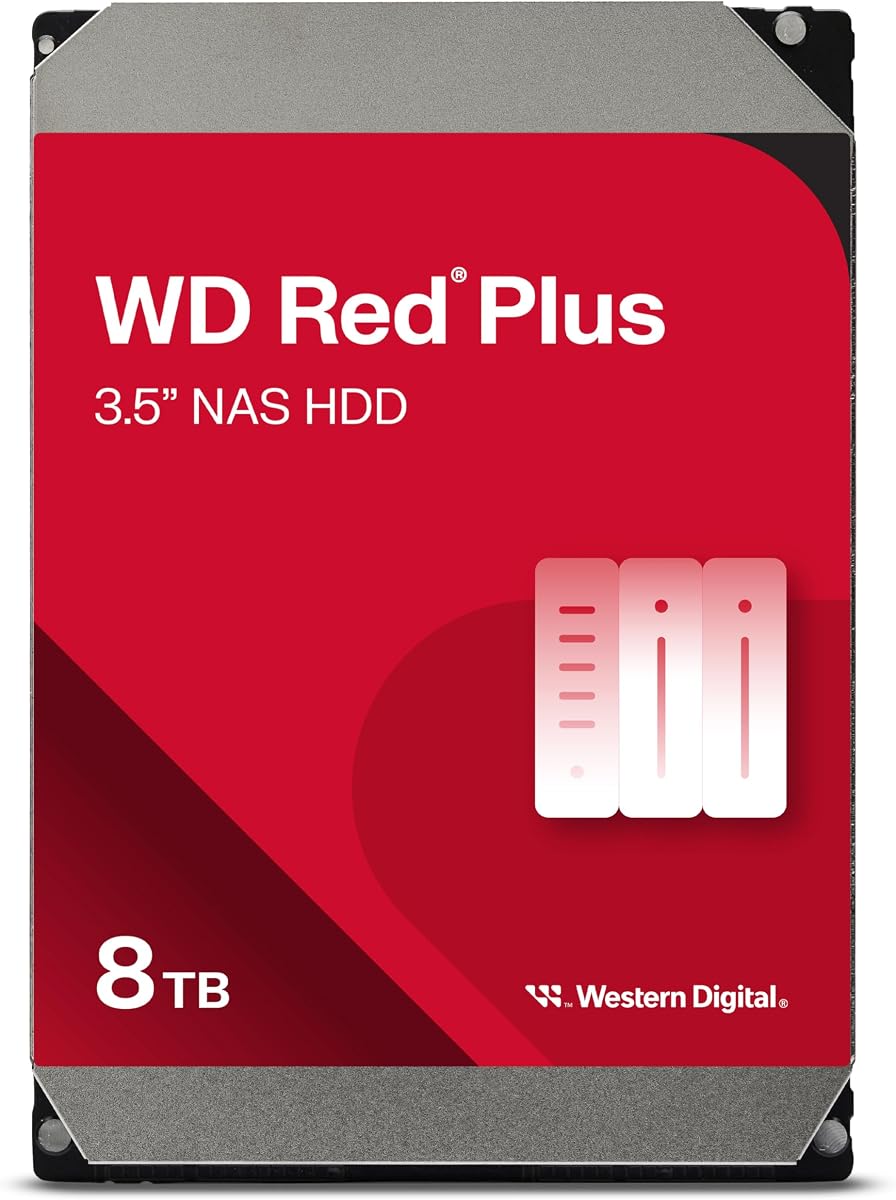
The WD Red Plus 8TB is a reliable internal hard drive tailored for NAS systems. With a 4.2 rating it delivers consistent performance for storage needs through CMR technology and NASware firmware for compatibility.
We may earn a commission when you buy through this link, at no additional cost to you.
It supports workloads up to 180 TB per year making it suitable for small to medium business environments requiring steady 24×7 operation. The 256 MB cache helps maintain efficiency during file transfers and data management tasks.
While the 5400 RPM speed is not ideal for high-intensity video editing it balances power consumption and noise effectively. The 3-year limited warranty adds confidence for users building a budget friendly but dependable storage array.
This drive is best for general NAS storage where reliability matters most. It integrates seamlessly with most NAS enclosures ensuring long-term stability for archived media and shared file access.
Conventional Magnetic Recording ensures consistent write performance preventing the speed drops common with SMR drives in multi-bay systems.
Firmware tuned for NAS workloads reduces failures and improves compatibility across various NAS system vendors for smoother operation.
We may earn a commission when you buy through this link, at no additional cost to you.
The Seagate BarraCuda 8TB is a versatile internal drive for desktops and basic NAS use. A 4.5 rating highlights its proven reliability and broad compatibility for applications from video editing to PC gaming.
We may earn a commission when you buy through this link, at no additional cost to you.
With a sustained transfer rate of 190MB/s it handles large file operations efficiently. Backed by 20 years of innovation it offers a cost-effective way to expand storage across various PC configurations.
It lacks specific NAS optimization like NASware which might reduce longevity in always-on environments. However for lighter workloads or temporary expansions it remains a trusted choice for general computing needs.
This drive suits users building a power house gaming setup or expanding existing storage. Its frustration-free packaging simplifies installation making it accessible for non-technical users seeking additional capacity.
SATA 6 Gb/s interface works seamlessly with most desktops and NAS systems ensuring flexible storage expansion options.
190MB/s sustained transfer rate supports smooth handling of large media files and faster system operations.
We may earn a commission when you buy through this link, at no additional cost to you.
The WD Red Plus 4TB is designed for RAID-optimized NAS systems offering continuous operation capability. A 4.2 rating reflects its reliability for environments needing dependable storage across up to eight bays.
We may earn a commission when you buy through this link, at no additional cost to you.
It features NASware firmware for compatibility and CMR for consistent performance during file writes. The 5400 RPM speed balances energy use and noise which suits quieter home or office setups.
Capacity is moderate compared to larger options but sufficient for starting a private cloud or media server. The world-class support and warranty add confidence for users prioritizing long-term data safety.
This drive fits users seeking a balanced entry into NAS storage. Its optimization for RAID ensures smooth integration and durability for daily file access and backups.
Built for 24×7 NAS use ensures drives withstand constant power on cycles without overheating or degradation.
Engineered for RAID systems reduces failure risks and enhances compatibility across various NAS enclosure configurations.
We may earn a commission when you buy through this link, at no additional cost to you.
The WD Red Pro 26TB delivers massive capacity and high performance for intensive NAS environments. A 3.9 rating suggests reliable endurance with 7200 RPM speed and RV sensors for vibration protection in multi-bay systems.
We may earn a commission when you buy through this link, at no additional cost to you.
Its workload rating of 550TB per year supports demanding workloads typical of media archives. RAID Ready features with error recovery control help maintain data integrity across multiple drives in shared systems.
Noise and power consumption are considerations for home use but justified for enterprise needs. The 512 MB cache enhances transfer efficiency for large video files and frequent data access.
This drive suits users needing extensive storage without compromising on performance. It excels in professional setups where capacity and reliability are paramount for continuous operations.
Rotation Vibration sensors proactively counteract disturbances in multi-bay systems reducing wear and maintaining performance.
Rated for 550TB per year ensures durability under constant read-write cycles typical of video archive workflows.
We may earn a commission when you buy through this link, at no additional cost to you.
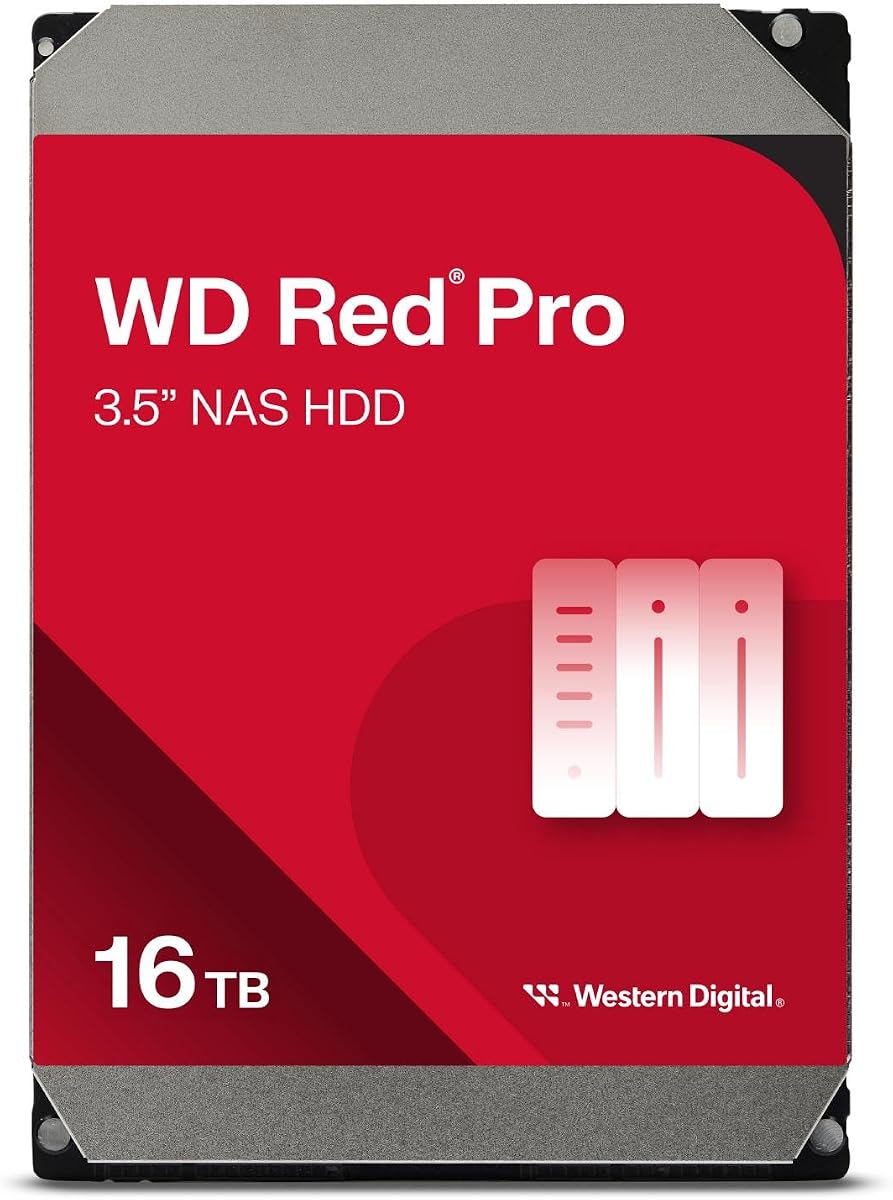
The WD Red Pro 16TB is engineered for RAID-optimized NAS systems with unlimited bays. A 3.9 rating confirms its ability to handle high-intensity 24×7 multi-user environments reliably.
We may earn a commission when you buy through this link, at no additional cost to you.
With a 550TB workload rate it supports heavy data transfers and continuous operations. The 7200 RPM speed and 512 MB cache ensure efficient handling of large video files and frequent access requests.
Extensive testing with NAS vendors guarantees compatibility with most enclosures. While noise and cost are higher than standard drives they are acceptable for professional archival and production needs.
This drive is ideal for users requiring substantial storage in a shared environment. Its design prioritizes longevity and performance for mission-critical data and media workflows.
Compatible with unlimited bays allows scaling storage capacity to meet growing needs without system limitations.
Extensive compatibility testing with NAS vendors ensures reliable integration across a wide range of enclosure systems.
We may earn a commission when you buy through this link, at no additional cost to you.
The WD Red SA500 4TB SSD is purpose-built for caching and frequent file access in NAS systems. A 4.7 rating highlights its endurance and speed advantages over traditional HDDs in demanding environments.
We may earn a commission when you buy through this link, at no additional cost to you.
With transfer speeds up to 560 MB/s it significantly reduces latency for OLTP databases and video editing. Its 3D NAND technology delivers reliable performance for 24/7 read and write loads.
Cost per terabyte is higher but justified for applications needing rapid access like photo rendering or small database services. The 2.5 inch form factor fits most modern NAS slots for easy installation.
This SSD is ideal for users looking to boost system responsiveness. It pairs well with larger HDDs to create a hybrid storage setup balancing speed and capacity.
Proven 3D NAND delivers maximum SATA performance reducing latency for responsive multi-user and editing tasks.
Superior endurance handles heavy read write loads ensuring reliability in continuous 24/7 NAS environments.
We may earn a commission when you buy through this link, at no additional cost to you.
The WD Purple Pro 10TB targets surveillance systems with features adaptable for high write workloads. A 4.0 rating confirms enterprise-class reliability and performance for continuous recording scenarios.
We may earn a commission when you buy through this link, at no additional cost to you.
AllFrame technology helps reduce dropped frames during intensive data ingestion which benefits archival workflows. Its workload rating of 550TB per year supports constant operation without compromising data integrity.
Western Digital Device Analytics provides proactive health management to anticipate issues before failures occur. This focus on reliability suits users prioritizing data continuity over typical NAS optimization.
This drive suits environments needing robust storage under heavy write conditions. While designed for surveillance it offers endurance that can benefit archival storage requiring consistent performance.
Innovative technology reduces dropped frames ensuring consistent video capture and playback for high-intensity workloads.
Device Analytics manage health proactively detecting potential issues early to prevent unexpected failures in storage arrays.
We may earn a commission when you buy through this link, at no additional cost to you.
Selecting the right NAS storage requires evaluating capacity speed and durability to match your specific video archiving needs.
Video archives grow quickly with 4K and 8K footage consuming large amounts of space. Look for NAS drives supporting RAID to scale up to 144TB or more for long-term storage.
Choose models allowing multiple bays to expand as your library expands.
Fast data transfers are critical for editing and backing up large files. Opt for NAS systems with 10GbE or higher ports to minimize wait times.
Higher network speeds improve collaboration when multiple users access the same data.
Hard drives offer cost-effective storage while SSDs provide speed for frequently accessed files. Consider hybrid setups balancing performance and affordability.
CMR drives are essential for reliability in NAS environments over SMR alternatives.
NAS drives designed for 24×7 operation handle more data transfers annually. A 550TB workload rating ensures durability under constant read-write cycles.
Check annual workload ratings to match your archive usage patterns.
Automatic backup tools protect against data loss during hardware failures or accidents. Look for RAID support and cloud integration options for redundancy.
Regular backups safeguard valuable media and prevent irreversible data loss.
Encryption and access controls protect your media from unauthorized access. NAS systems with certified encryption standards ensure data privacy.
Advanced security features are vital for shared environments and remote access.
Long warranties provide peace of mind for expensive storage investments. Three-year coverage is common for professional NAS drives.
Verify warranty terms for specific usage scenarios before purchasing.
Install drives following manufacturer guidelines ensuring proper airflow and cable connections. Use RAID configurations to optimize performance and redundancy for your archive.
Monitor drive health regularly using built-in tools to detect issues before failures occur. Keep firmware updated to benefit from security patches and performance improvements.
Establish backup routines and test restoration processes periodically to ensure data recovery works smoothly. Rotate physical backups to offsite locations for added disaster protection.
For 8K editing choose a NAS with 10GbE or higher network ports and high-performance processors. Models supporting virtual machines and Docker enable flexible media server setups for efficient workflows.
4K archives require substantial storage depending on retention needs. A minimum of 16TB per drive is recommended allowing expansion to hundreds of terabytes via RAID configurations.
Not all drives work optimally in NAS environments. Select NAS-optimized drives with CMR technology and workload ratings to ensure durability and performance during continuous operation.
RAID 5 or RAID 6 provides a balance between capacity and redundancy for video archives. These levels protect data against drive failure while maximizing usable storage space.
SSDs are ideal for caching and frequently accessed files to improve performance. Pairing SSDs with HDDs offers a hybrid solution balancing speed and cost effectively.
Enable encryption and set strict access permissions for users. Regular firmware updates and secure backups protect your archive from unauthorized access and system vulnerabilities.
Our top picks highlight versatile options from budget-friendly enclosures to enterprise-grade systems. Each model offers distinct strengths tailored to different archiving needs and budgets.
Prioritize capacity speed and durability when selecting your NAS to ensure long-term reliability. Consider future scalability to accommodate growing media collections without replacement.
Prices and availability change frequently so check current listings before purchasing. Verify compatibility with your existing hardware to ensure seamless integration and optimal performance.