
UGREEN DH2300
4.5Editor score
Entry Level Personal Storage
Low Power Consumption
Easy Setup Process
Finding the right NAS for Unraid ensures smooth media streaming and reliable data storage. You need a device with strong processing power and flexible drive support to handle complex arrays effectively.
We compared ten real products based on processor speed, RAM capacity, and network connectivity. Each option supports Unraid or offers versatile storage features that align well with its flexible file system requirements.
Each pick shows key specs and ideal use cases for different users. Prices and availability change frequently, so verify details on the product page before making your final purchase decision today.
4.5Editor score

4.2Editor score

4.6Editor score
As an Amazon Associate we earn from qualifying purchases.
This side-by-side comparison highlights the unique strengths of each NAS device. Whether you need raw speed or cost efficiency, these models offer distinct advantages for Unraid enthusiasts and general users.






The LincStation N2 is a versatile NAS designed specifically for enthusiasts. It carries a 4.2 rating and includes a Unraid starter license, making setup seamless for array users.
We may earn a commission when you buy through this link, at no additional cost to you.
It features an Intel N100 processor and 16GB of fast RAM, enabling smooth 4K streaming and Docker usage. The 10GbE port ensures rapid file transfers across your local network.
While it lacks Wi-Fi, its compact design and rich connectivity like HDMI and USB-C offset this. The ability to mix SATA and NVMe drives provides excellent storage flexibility.
Tech enthusiasts should buy this if they want a ready-to-use Unraid solution. It balances performance and convenience well for media servers and private clouds.
Having a Unraid license included saves money and simplifies the initial setup process for new users.
The 10GbE port allows for much faster data transfer speeds compared to standard gigabit connections.
We may earn a commission when you buy through this link, at no additional cost to you.
The UGREEN DXP4800 Plus scores a high 4.6 rating for its performance. It is ideal for small teams needing centralized storage with advanced Docker and VM capabilities.
We may earn a commission when you buy through this link, at no additional cost to you.
Its powerful processor ensures smooth collaboration across Windows, macOS, and Linux devices. The 10GbE port supports lightning-fast backups and file transfers for creative workflows.
Users should note it is diskless and needs separate drive purchases. The lack of Wi-Fi means wired connections are required for stable network access.
Creators and small teams should choose this for its reliability and speed. It offers a professional storage solution that scales with your growing data needs.
The high-speed transfer rates make it perfect for editing large video files directly from the network.
AI-powered organization helps keep large photo libraries tidy and searchable for all users.
We may earn a commission when you buy through this link, at no additional cost to you.
This 2-bay NAS scores a 4.6 rating and targets advanced home users. It supports Docker and VMs, making it suitable for running Plex and other heavy apps.
We may earn a commission when you buy through this link, at no additional cost to you.
Powered by an Intel N100 with DDR5 RAM, it handles large files and surveillance tasks easily. The AI features help organize media and detect duplicates automatically.
The main trade-off is its 2-bay limit compared to larger units. You must purchase drives separately which adds to the initial setup cost.
Remote workers and creators should pick this for its balance of power and compact size. It keeps digital libraries organized while supporting advanced custom setups.
Connect network cameras to use the device as a centralized local storage for home security recordings.
Access files from any device like phones or laptops without needing scattered cloud accounts.
We may earn a commission when you buy through this link, at no additional cost to you.
This hard drive scores a 4.2 rating for NAS reliability. It is built for RAID systems with up to 8 bays and ensures continuous operation without hiccups.
We may earn a commission when you buy through this link, at no additional cost to you.
The CMR technology provides consistent write speeds which are critical for NAS arrays. NASware firmware tunes it for network storage environments specifically.
While the 5400 RPM is slower than desktop drives, it prioritizes power and heat efficiency. It is a single drive unit so you need multiple for redundancy.
Users building Unraid or RAID arrays should use this drive. It offers steady performance for storing data that needs to be accessed regularly.
The drive is specifically designed to work well within multi-drive RAID configurations for data safety.
Built to run 24/7 without overheating or failing prematurely under constant workload conditions.
We may earn a commission when you buy through this link, at no additional cost to you.
The UGREEN DH2300 holds a 4.5 rating and is perfect for beginners. It offers personal storage without the complexity of advanced server features.
We may earn a commission when you buy through this link, at no additional cost to you.
It handles phone backups and file organization well. The AI tagging helps keep photos organized and searchable on your local device.
It lacks Docker support so you cannot run custom apps. The network speed is standard 1GbE which is sufficient for basic home use.
Individuals seeking a simple storage hub should buy this. It replaces external drives and cloud subscriptions with a one-time purchase solution.
Over several years the upfront cost is significantly lower than paying monthly cloud storage fees.
The setup is intuitive and requires no technical knowledge to get your data running quickly.
We may earn a commission when you buy through this link, at no additional cost to you.
This NAS gets a 4.3 rating for performance with Ryzen processor power. It is designed for smart home enthusiasts needing fast data access and security.
We may earn a commission when you buy through this link, at no additional cost to you.
The 10GbE networking allows rapid file transfers. You can upgrade RAM to 64GB for heavier multitasking like virtual machines.
It includes a built-in surveillance center for local video recording. However the price is higher and drives must be bought separately for capacity.
Freelancers and smart home users should choose this model. It provides the speed and flexibility needed for demanding personal workflows.
Manage IP cameras directly on the NAS to save on cloud camera subscription costs.
Store your data locally to ensure full ownership and protection from third-party access.
We may earn a commission when you buy through this link, at no additional cost to you.
This 4-bay NAS scores a 4.2 rating and fits home users perfectly. It offers Docker support and massive storage capacity for growing digital libraries.
We may earn a commission when you buy through this link, at no additional cost to you.
The setup is simple with NFC connectivity and a user-friendly app. You can access data from any device remotely via the web or mobile apps.
It lacks virtual machine support which limits advanced use cases. The speed is decent with 2.5GbE but not top-tier for 4K editing workflows.
Families should buy this for centralized photo and video storage. It helps keep digital memories safe and organized on one easy to use device.
AI features help you find specific faces or locations in your photo library instantly.
Use Docker to run apps like Plex or Home Assistant to extend the NAS functionality.
We may earn a commission when you buy through this link, at no additional cost to you.
This premium unit holds a 4.6 rating and offers top-tier performance. It supports up to 144TB and features dual 10GbE for extreme speed.
We may earn a commission when you buy through this link, at no additional cost to you.
The Ryzen processor handles heavy tasks smoothly. You can upgrade RAM to 64GB and use ECC for better error correction during long sessions.
It includes instant backup slots for SD cards and USB devices. The setup can be complex for non-tech users due to advanced options.
Tech enthusiasts and office teams should buy this for raw power. It is an excellent choice for high bandwidth workflows and large datasets.
Dual 10GbE ports allow massive file transfers that would otherwise bottleneck on standard connections.
Keep all sensitive files locally without relying on external cloud servers for data management.
We may earn a commission when you buy through this link, at no additional cost to you.
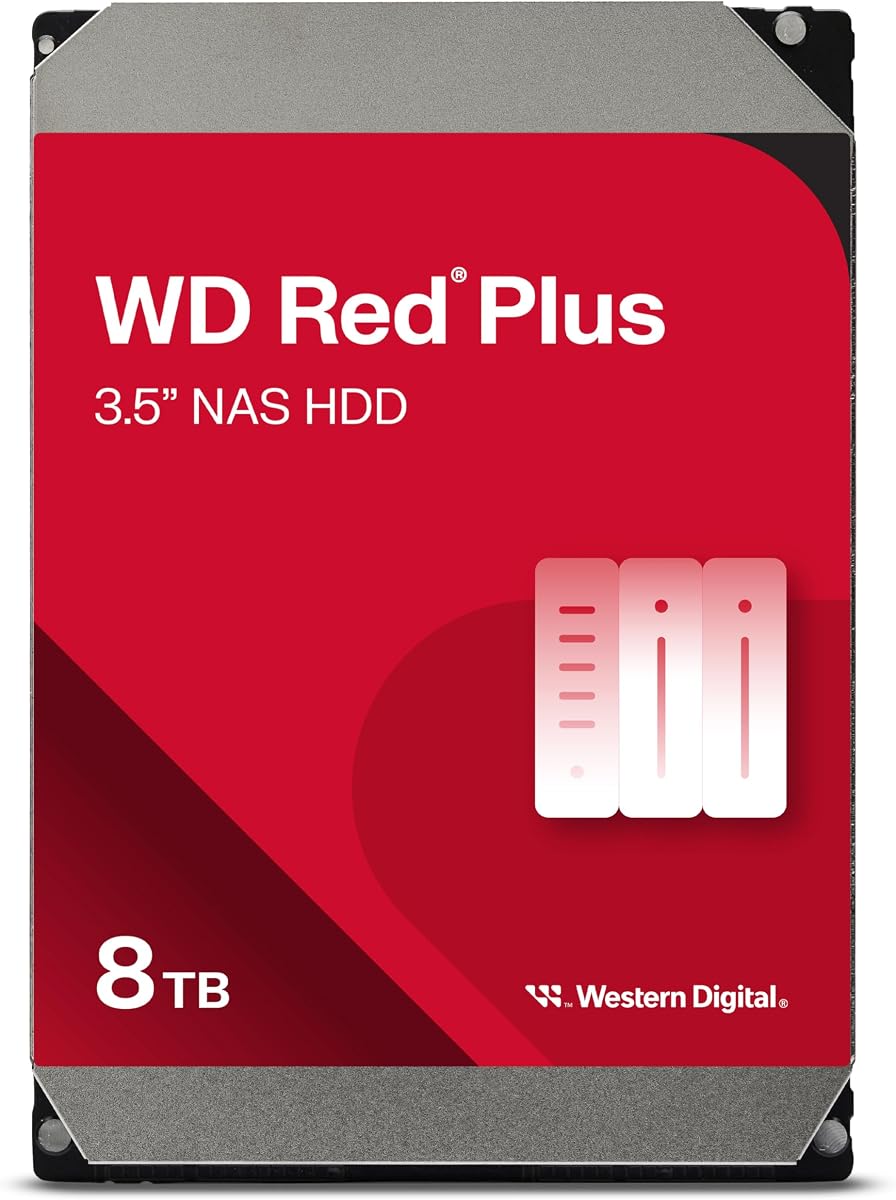
This 8TB drive holds a 4.2 rating for business NAS systems. It offers high capacity and works well with up to 8 bays in RAID setups.
We may earn a commission when you buy through this link, at no additional cost to you.
The workload rate is suitable for 24×7 business environments. It is built to transfer data reliably without overheating during heavy usage.
Users should note the 5400 RPM limits write speeds slightly. It is a single drive so you need redundancy for critical business data.
Small businesses should buy this for cost effective storage. It balances capacity and reliability for storing important files and backups.
Designed to handle high volume data transfers throughout the day without degradation.
NASware firmware ensures seamless integration with different NAS hardware brands and RAID controllers.
We may earn a commission when you buy through this link, at no additional cost to you.
This DiskStation scores a 4.3 rating for its reliable software and hardware. It features dual 2.5GbE ports for fast data transfers.
We may earn a commission when you buy through this link, at no additional cost to you.
Synology offers a strong ecosystem for file and photo management. It supports virtualization and surveillance solutions easily.
It does not come with a Unraid license so you may need to adapt workflows. The price is high compared to other entry level options.
Users who prefer established software should buy this. It provides a stable platform for storage and media services.
Access a wide range of apps and integrations designed specifically for the Synology platform.
Dual network ports help ensure your connection stays active even if one cable has issues.
We may earn a commission when you buy through this link, at no additional cost to you.
Choosing the right NAS for Unraid involves balancing hardware power with storage flexibility. This guide covers key factors to help you make an informed decision.
The CPU is the heart of your NAS. Look for modern quad-core processors like Intel N100 or AMD Ryzen. They handle file transfers and media transcoding without slowing down.
Strong CPUs ensure smooth performance even when multiple users access files simultaneously.
RAM determines how many apps you can run at once. For Unraid, 16GB is ideal for Docker containers and VMs. Lower RAM limits your flexibility with custom apps.
More RAM lets you run complex services smoothly without constant buffering.
Fast networks reduce waiting times. 10GbE ports are best for video editing. Standard 1GbE works for basic storage but can slow large downloads.
Upgrade your router to match your NAS network speed for best results.
More bays mean more storage. Unraid works well with mixed sizes. Consider future growth when choosing between 2 or 4 bays.
Select a device with extra bays for future expansion.
Not all NAS devices support Unraid directly. Check if the unit comes with a license or can run community systems. This saves setup time and cost.
Ensure the hardware list supports Unraid before buying.
NVMe slots offer high speed for apps. SATA bays provide large cheap storage. A mix balances speed and cost for best results.
Use NVMe for apps and SATA for media storage.
Look for encryption and two factor authentication. These protect your data from external threats. Local storage is secure when managed well.
Enable encryption for all remote access to ensure privacy.
NAS devices run 24/7 so power matters. Lower wattage reduces electricity costs over time. Efficient cooling keeps the device cool without loud fans.
Choose a model with low power draw for long term savings.
Connect your NAS to your router using an Ethernet cable for stable performance. Plug in drives and access the device through your web browser to start setup.
Install Unraid and configure your array with different drive sizes. Create user accounts with passwords and enable remote access for secure offsite viewing.
Keep firmware updated to protect against vulnerabilities. Clean dust regularly and ensure good airflow to prevent overheating and extend hardware life.
Most general x86 NAS devices work with Unraid via USB or network installs. Some units like LincStation include licenses. Always check the official hardware support list before purchase.
Yes most NAS units are sold diskless. You must buy compatible SATA or NVMe drives separately. Choose CMR drives for better RAID and NAS reliability.
Unraid offers more flexibility with mixed drive sizes. Synology has better software ease. Unraid suits tech enthusiasts while Synology fits general users seeking simplicity.
8GB is enough for basic storage. 16GB is ideal if you run Docker containers or virtual machines. More RAM allows more apps to run smoothly.
Yes if you have 10GbE network and fast drives. High performance NAS units support local editing workflows without transferring files to your PC.
Yes Unraid supports SSDs for cache pools and storage. Using NVMe SSDs improves boot times and app speed significantly compared to traditional hard drives.
The LincStation N2 leads as the top choice for Unraid users due to its included license and solid hardware. Other options like UGREEN offer great value for different needs.
Prioritize processor power and network speed if you plan to run multiple apps. Security and expansion bays are critical for long term storage growth.
Always verify current pricing and stock before ordering. Prices change often so checking the official Amazon page ensures you get the best deal today.