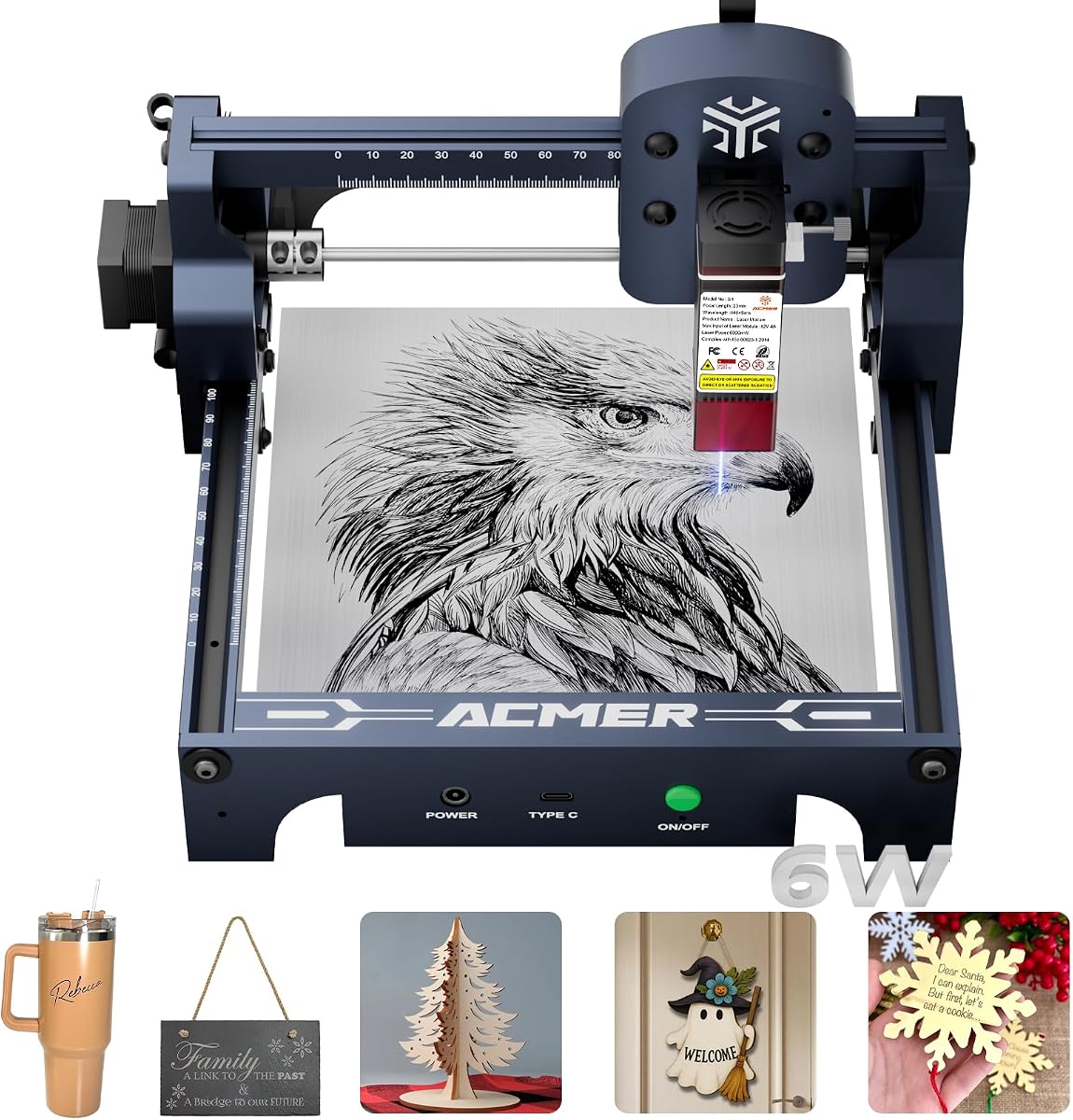
ACMER S1 Laser Engraver Machine
4.3Editor score
6000mW Laser Power
Compact 130x130mm Area
99% Preassembled Design
This guide compares the top Acmer Laser Engraver models for 2026, evaluating precision, power, safety features, and software compatibility to help makers
Finding the right laser engraver can transform your creative projects and small business operations significantly. The market offers many options but selecting a reliable machine requires understanding specific technical capabilities and user needs effectively.
We analyzed ten top models from Acmer to provide a comprehensive overview of their strengths and limitations. Each product was evaluated based on laser power, workspace size, safety features, and software compatibility for diverse applications.
Every pick highlights key specifications and ideal use cases to guide your decision making process efficiently. Keep in mind that product availability and pricing may vary so always check current details before purchasing your next machine.
4.3Editor score

4.4Editor score

5.0Editor score
This table provides a side by side comparison of all ten Acmer Laser Engraver models featured in this guide. Reviewing these specifications side by side helps you quickly identify which machine aligns with your specific project requirements and budget constraints without needing to read every review.



The ACMER S2 Laser Engraver stands out as a top choice for makers seeking a balance of power and precision. With a true 12W laser module and 72W total system power it handles over 100 materials including wood leather and acrylic effectively. Its 0.01mm positioning accuracy ensures intricate designs come out clean and consistent every time.
We may earn a commission when you buy through this link, at no additional cost to you.
This model features a spacious 300x300mm workspace that accommodates larger projects without constant repositioning. The ACMER Studio software simplifies design editing and machine control while remaining compatible with LightBurn and LaserGRBL. Safety is prioritized with an anti UV shield and motion protection that pauses operation during abnormal movement.
While the machine is robust users should budget for optional rotary modules or air assist pumps for expanded functionality. The setup process is straightforward but requires careful attention to safety protocols. For those committed to detailed engraving the performance justifies the initial investment in hardware and accessories.
Ideal for small business owners and serious hobbyists the S2 delivers professional results without excessive complexity. It grows with your skills allowing you to add components as needed. Whether cutting deep or engraving fine text this machine offers the reliability required for frequent use.
The refined 0.08 x 0.08mm laser spot allows for sharp text and intricate patterns that standard machines might blur.
Optional risers and rotary modules let you engrave cylindrical objects or taller workpieces as your project scope grows.
We may earn a commission when you buy through this link, at no additional cost to you.
The ACMER S1 is designed for beginners who want a reliable start without overwhelming technical barriers. It arrives 99% preassembled requiring only a one minute laser head installation. The 6000mW power is sufficient for light cutting on thin plywood or detailed engraving on leather and plastic.
We may earn a commission when you buy through this link, at no additional cost to you.
Software compatibility is excellent with support for LightBurn and LaserGRBL alongside the free ACMER Studio. AI tools allow you to turn text prompts into engraving designs quickly. The compact 2kg design makes it easy to move and store in small home workshops or studios.
Its small 130x130mm working area is the main limitation for larger designs. However for personalized gifts or small crafts it performs admirably. The price point makes it accessible for those testing the waters of laser engraving before committing to a larger system.
This model is perfect for hobbyists needing portability and simplicity. The precision remains high at 0.01mm ensuring quality even at smaller scales. If your projects are compact the S1 offers a smooth entry into the world of laser cutting and engraving.
Weighing only 2kg with a compact frame it fits easily on standard desks without needing dedicated floor space.
Built in AI features help convert simple text or photos into ready to use engraving files instantly.
We may earn a commission when you buy through this link, at no additional cost to you.
The ACMER P3 represents the pinnacle of home laser engraving technology with its switchable dual laser output. It delivers up to 48000mW of power allowing it to cut through thicker materials that would stall lesser machines. The closed box design significantly reduces smoke and sound making it suitable for shared workspaces.
We may earn a commission when you buy through this link, at no additional cost to you.
Safety is a major focus here with automatic fire detection over temperature protection and tilt sensors. The integrated camera module allows you to see exactly where your laser will cut before it starts. This visual feedback prevents wasted material and improves accuracy for complex layouts.
While expensive the versatility justifies the cost for professional users. The CoreXY structure ensures stability at high speeds. You get a honeycomb plate and waste drawer included which streamlines cleanup. This machine is built for serious production work rather than occasional hobby use.
Ideal for small businesses scaling up production the P3 handles batch runs efficiently. The WiFi and mobile app support adds convenience for managing jobs remotely. If you need industrial capability in a desktop package this is the most capable option available.
Automatic fire detection and over temperature protection provide peace of mind during extended engraving sessions.
The built in camera allows you to align designs on irregular shapes accurately using software overlays.
We may earn a commission when you buy through this link, at no additional cost to you.
This variant of the S2 focuses on efficiency with a 32-bit chip that drives speeds up to 10000mm/min. It maintains the 12W power of the standard S2 but emphasizes workflow optimization. The software includes AI tools that convert photos and text into engraving designs automatically saving setup time.
We may earn a commission when you buy through this link, at no additional cost to you.
It is particularly strong for batch production where speed matters. The 300x300mm workspace remains spacious for signs or multi piece projects. While the hardware is similar to the S2 the software focus makes it a distinct choice for users who prioritize design speed over raw hardware changes.
The 0.01mm accuracy ensures that high speed does not sacrifice quality. You get the same material versatility including wood acrylic and leather. It is a solid choice for makers who already own other tools and need a machine optimized for quick turnaround.
This model fits well into a busy studio environment. The high speed engine reduces waiting time between jobs. Ensure you have a compatible computer to run the software effectively. With proper setup it delivers reliable performance for both intricate and simple projects.
AI features handle the heavy lifting of turning ideas into ready to use engraving files quickly.
The 32-bit chip ensures the machine keeps up with fast data transfer during complex engraving tasks.
We may earn a commission when you buy through this link, at no additional cost to you.
The 7000mW model offers a compelling middle ground for users who need more than entry level power without the cost of premium units. It retains the 300x300mm workspace of its higher power siblings. The 0.01mm precision ensures that details remain sharp even with this moderate power output.
We may earn a commission when you buy through this link, at no additional cost to you.
Safety is built into the design with motion detection that pauses the laser if movement is detected unexpectedly. The anti UV shield protects eyes from harmful rays. It cuts up to 13mm paulownia wood and 6mm acrylic which covers most DIY needs.
This machine is reliable and consistent for everyday projects. It handles leather paper and coated metals with ease. The free ACMER Studio software makes it accessible to non technical users. It is a smart choice for those upgrading from basic hobbyist tools.
For casual makers this model provides ample capability. The speed reaches 10000mm/min for efficient work. While it cannot cut 15mm wood like the 12W version it is sufficient for most signs and crafts. It balances cost and performance effectively.
Automatic pause when motion is detected prevents accidental laser exposure during operation.
Cuts and engraves wood leather and acrylic efficiently for a wide range of common projects.
We may earn a commission when you buy through this link, at no additional cost to you.
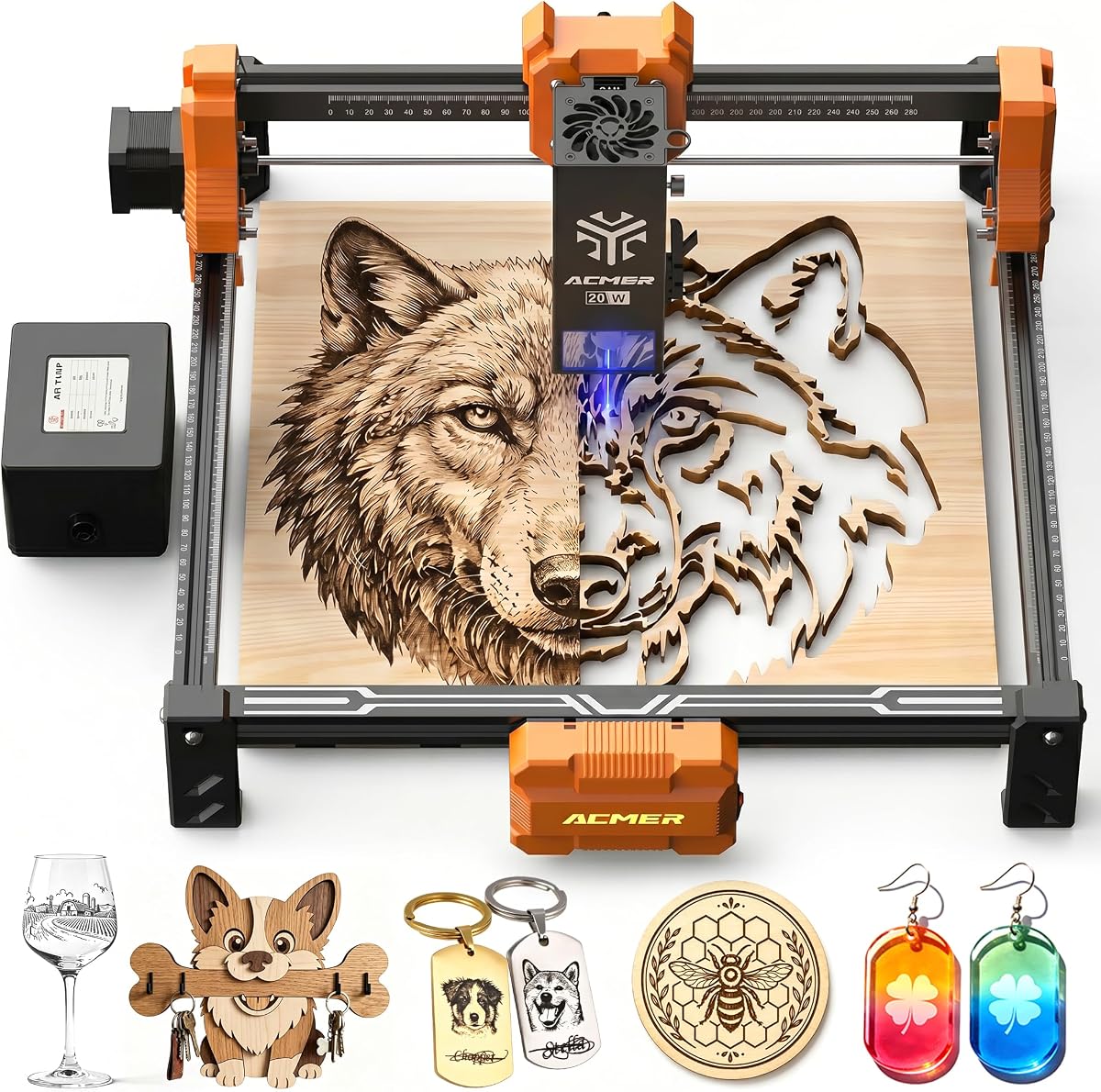
The P1 S Pro 20W brings strong performance with its true 20W diode laser module. It is designed to handle deeper cuts and more demanding projects than lower wattage units. The included 25L/min air assist pump is a key advantage reducing burn marks and smoke on materials like wood.
We may earn a commission when you buy through this link, at no additional cost to you.
Its 0.01mm accuracy allows for photo engraving and detailed logos. The lens blue light synthesis technology extends the laser head lifespan to 8000 hours. This durability makes it suitable for small business use where consistent output is critical for customer satisfaction.
Safety features include limit switches that prevent the head from over traveling the frame. It works with standard software options like LightBurn and LaserGRBL for flexibility. The speed and acceleration ensure efficient workflow for batch orders or custom work.
This model is a step up from basic 12W units. The air assist makes a visible difference in cut quality. While the lens has a lifespan it is replaceable to keep the machine running. It offers professional capability at a reasonable price point.
The integrated pump helps clear smoke and debris for smoother edges and less material damage.
Blue light synthesis technology ensures a long 8000 hour life for the laser lens unit.
We may earn a commission when you buy through this link, at no additional cost to you.
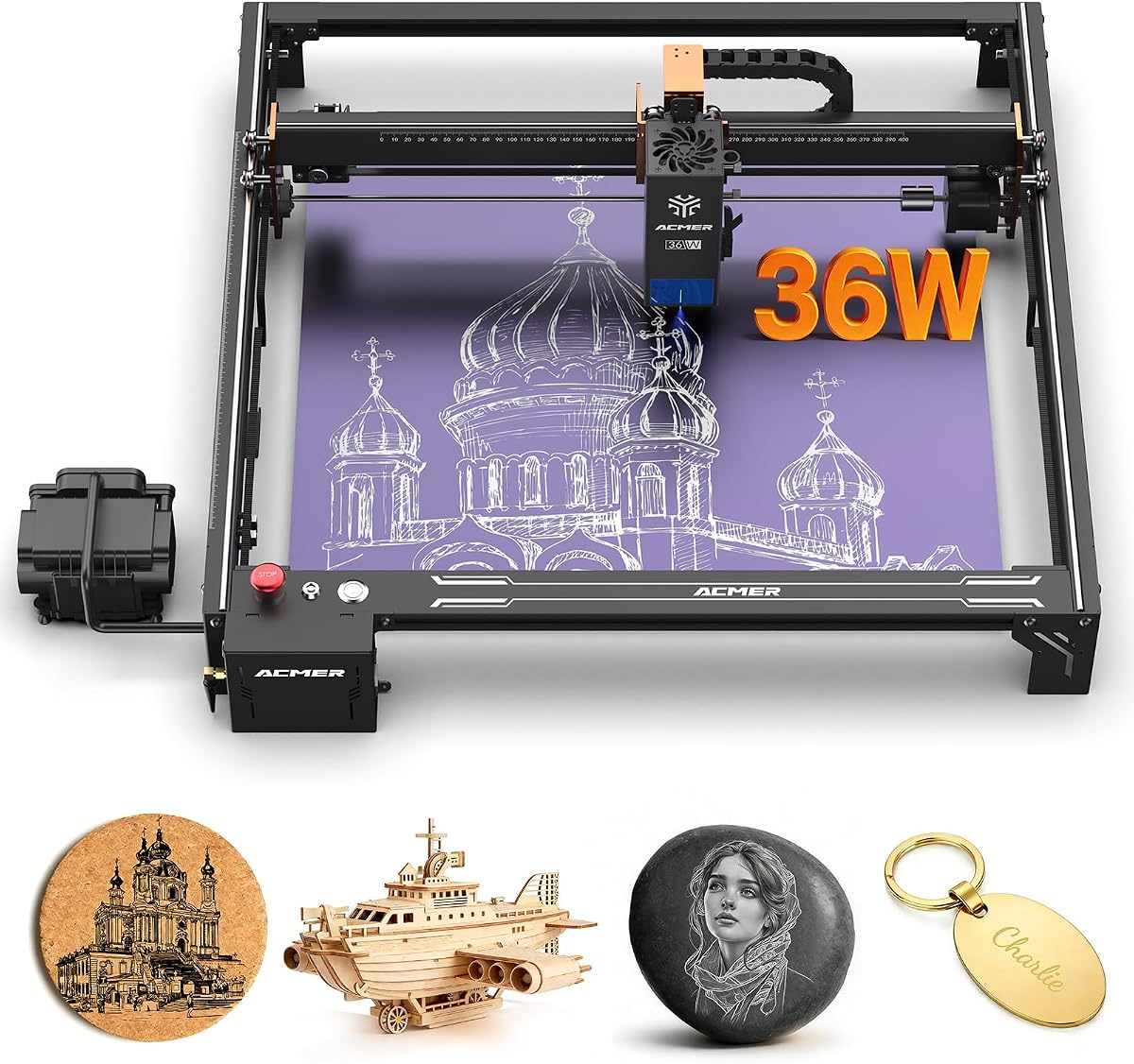
The S2 Pro 36W is built for large scale production with its 400x400mm workspace and 36000mW power. The dual linear rail system ensures stability even at high speeds which minimizes vibration and misalignment. This is essential for long production runs where consistency across multiple items is needed.
We may earn a commission when you buy through this link, at no additional cost to you.
It features a built in 30L/min air pump that improves edge quality and protects the lens. The speed reaches up to 24000mm/min which significantly reduces job time. This efficiency makes it viable for small businesses aiming to increase output without sacrificing quality.
Safety features include tilt protection and an emergency stop button for secure operation. It supports WiFi and TF card connections for flexible control. The larger workspace accommodates bigger designs without cutting them into parts for assembly later.
This machine is ideal for those scaling up operations. The power allows it to cut thicker materials faster than standard models. While it requires more space the productivity gains often justify the investment. It is a robust tool for professional environments.
Dual linear rails prevent vibration ensuring precise engraving even during high speed operations.
With speeds up to 24000mm/min it completes large batches significantly faster than entry models.
We may earn a commission when you buy through this link, at no additional cost to you.
The S2 20W combines power with a fine 0.09×0.1mm spot ideal for photo engraving and complex artwork. It delivers 20000mW of power for strong cutting capabilities across wood and leather. The included 25L/min air assist reduces burn marks ensuring clean edges on sensitive materials.
We may earn a commission when you buy through this link, at no additional cost to you.
It maintains the 0.01mm accuracy required for crisp lines and smooth gradients. The 10000mm/min speed allows efficient workflow. It is built to handle detailed designs with consistent results. This machine is designed for users who want high quality artistic output.
Compatibility with standard software like LightBurn ensures flexibility. The limit switches prevent frame collisions during operation. Safety is considered with a compact yet robust design. It is a great choice for artists who need detailed output.
This model balances artistic precision with practical cutting power. The spot size allows for detailed work that coarser lasers cannot achieve. It is reliable for small business needs like personalized gifts. With proper setup it produces professional grade results consistently.
The compressed spot size allows for smooth gradients and sharp details in photo engravings.
Built in limit switches protect the frame while delivering strong 20W cutting performance.
We may earn a commission when you buy through this link, at no additional cost to you.
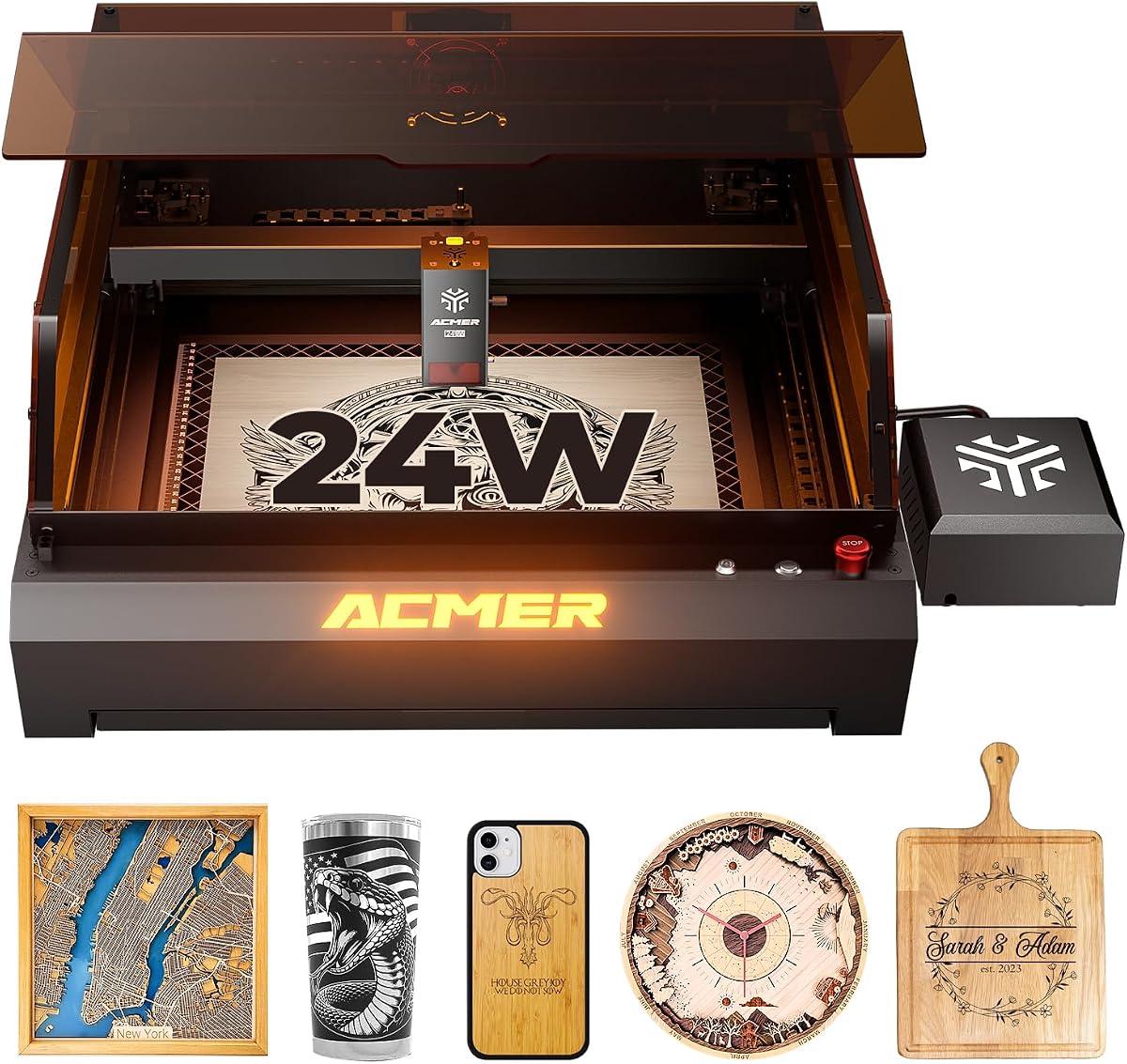
This P3 model offers a fully enclosed design with a 24000mW diode laser. The closed box reduces smoke pollution and noise making it suitable for indoor home use. It integrates a camera module for precise positioning which eliminates manual measurement errors during setup.
We may earn a commission when you buy through this link, at no additional cost to you.
The CoreXY structure provides fast stable movement with compensation algorithms to prevent blurring. The 400x400mm working area supports large format engraving without sacrificing speed. It also includes a honeycomb plate and waste drawer for easy cleanup and efficient waste management.
Safety features are comprehensive with over temperature protection and tilt sensors. It supports offline use via TF card for flexible control. The frame is built with aviation grade aluminum for long term durability and stability during long runs.
Ideal for users wanting a self contained system this machine is efficient and safe. The camera positioning adds a layer of precision that desktop models often lack. It handles wood and acrylic effectively. With minimal setup it is ready for professional projects.
The closed box reduces smoke pollution making it safer for home or shared workspaces.
Built in camera allows exact positioning of engraving areas without manual measurement.
We may earn a commission when you buy through this link, at no additional cost to you.
The P1 S Pro 6W features a dual beam laser module offering a unique balance of speed and precision. It covers a large 380x370mm workspace which is wider than many standard machines. This allows for engraving wide items like tumblers or long signs without moving the material.
We may earn a commission when you buy through this link, at no additional cost to you.
WiFi control enables you to start and stop jobs from a smartphone or tablet. This convenience is valuable in workshops where you may need to monitor from a distance. The 0.06mm spot ensures fine detail despite the wider area capability.
It is safe with Class 1 laser certification and included protective glasses. While it cannot cut thick wood as fast as 20W models it handles light cutting well. It is perfect for surface decoration on glass metal and wood.
This machine is ideal for those prioritizing workspace over raw cutting speed. The modular frame simplifies assembly and maintenance. With proper maintenance it remains a reliable tool for hobbyists and small businesses needing wide format support.
The 380x370mm area supports wider projects that would otherwise need cutting into sections.
WiFi connectivity allows remote control of engraving jobs via mobile apps.
We may earn a commission when you buy through this link, at no additional cost to you.
Choosing the right engraver depends on your specific projects and environment. This guide breaks down the essential factors to consider.
Laser power determines the speed and depth of cuts. Higher wattage like 20W or 48W is essential for cutting thick materials efficiently. Lower wattage models such as 6W or 12W are better for fine engraving and thin materials. Always check if the power is true output rather than a marketing number to ensure performance matches claims.
Focus on true wattage to avoid underpowered machines that struggle with basic cutting tasks.
The workspace dictates the maximum size of your projects. Models vary from compact 130x130mm areas to large 400x400mm beds. Larger areas are beneficial for signs and batch production. Consider optional rotary modules if you plan to engrave cylindrical objects like bottles or cups.
Select a workspace size that matches the typical dimensions of your intended projects to avoid constant repositioning.
Software is the brain of your engraver. Ensure the machine supports popular tools like LightBurn or LaserGRBL if you prefer them. Proprietary software like ACMER Studio can be helpful for beginners due to integrated AI design tools. Check if the software supports your operating system and file types you plan to use.
Prioritize software that fits your existing workflow to reduce the learning curve.
Safety is paramount when working with laser beams. Look for anti UV shields motion detection pauses and emergency stops. Fully enclosed models reduce exposure to smoke and fumes. Always wear appropriate safety goggles certified for the laser wavelength you are using.
Never compromise on safety features to protect your health and workspace environment.
Precision is measured by positioning accuracy and spot size. Smaller spots like 0.08mm allow for intricate photo engraving. Higher accuracy ensures that designs align correctly with your material. This is critical for professional work where quality must be consistent across batches.
For detailed artistic work always choose a model with a fine spot size and high accuracy rating.
Modern engravers offer various connectivity options. USB is standard but WiFi allows wireless operation from different devices. TF card support enables offline engraving which is useful if your computer is not near the machine. Ensure the connection type suits your workspace setup.
Choose connectivity that allows you to manage jobs efficiently without unnecessary physical tethering.
An air assist pump blows air on the cutting area to clear smoke and debris. This improves edge quality and protects the lens from residue. Models with built in pumps like the S2 Pro or P1 S Pro save the cost of adding a separate unit.
Prioritize built in air assist for cleaner cuts and longer maintenance intervals.
A sturdy frame prevents vibration and ensures precision. Look for linear rails or industrial grade aluminum construction. A stable machine lasts longer and produces better results over time. Check warranty terms and customer support availability before purchasing.
Invest in a machine with robust construction to ensure longevity in a busy workshop.
Proper setup is crucial for safety and performance. Place the machine on a flat stable surface and connect it to a grounded outlet. Ensure the workspace is well ventilated to manage smoke and fumes. Install the recommended safety goggles before starting any engraving or cutting tasks.
Regular maintenance keeps your engraver running smoothly. Clean the lens weekly with a soft cloth to prevent residue buildup. Check belts and rails for wear or misalignment every few months. This routine care extends the life of the laser module and ensures consistent quality.
Software updates can improve features and fix bugs. Check the manufacturer support page for new versions regularly. Keep your files organized and backed up to avoid data loss. These steps will help you maintain a reliable workflow for both personal and professional projects.
Yes most Acmer Laser Engraver models are compatible with LightBurn. This software offers advanced features and precise control. You can also use ACMER Studio which is free and beginner friendly. Check your specific model for software requirements.
Acmer machines work on wood leather acrylic bamboo and coated metals. Avoid engraving glass directly without a coating. The higher wattage models can cut thicker wood and acrylic. Always test on scrap material before starting a project.
Most models arrive 99% preassembled and require minimal setup. You usually only need to install the laser head and connect power. This makes it easy to start using quickly. Detailed instructions are provided in the manual.
While not strictly required air pumps improve cut quality and reduce burns. Many high end models like the P3 include a built in pump. If not included you can add an external one for better results. It is recommended for cutting applications.
Laser heads typically last around 8000 hours of use. Proper maintenance like lens cleaning extends this lifespan. When it wears out you can replace it with a new module. This modularity keeps the machine functional over years.
Yes with proper safety precautions they are safe for home use. Models include shields and motion detection to prevent accidents. Always wear safety goggles and keep the room ventilated. Follow all guidelines provided in the user manual.
The Acmer Laser Engraver lineup offers options for everyone from beginners to professionals. The S2 remains a top choice for balance while the P3 leads in high end features. Each model brings unique strengths to fit different needs.
Prioritize the features that matter most to your specific projects. If precision and speed are key consider the higher power variants. If simplicity and cost are more important the S1 provides a great entry point.
Remember that prices and availability can change over time. Check the current listings on Amazon for the most up to date details. Investing in the right machine will enhance your creative and business capabilities significantly.